
Toncoin is rapidly emerging as the backbone of payments within the Telegram ecosystem, powering everything from digital storefronts to automated services. As of October 22,2025, Toncoin (TON) trades at $0.9517, reflecting its growing stability and adoption. For entrepreneurs, developers, and users alike, integrating Toncoin payments into Telegram bots is a game-changer: it unlocks frictionless commerce directly inside the world’s most popular messaging platform.
Why Use Toncoin for Telegram Bot Payments?
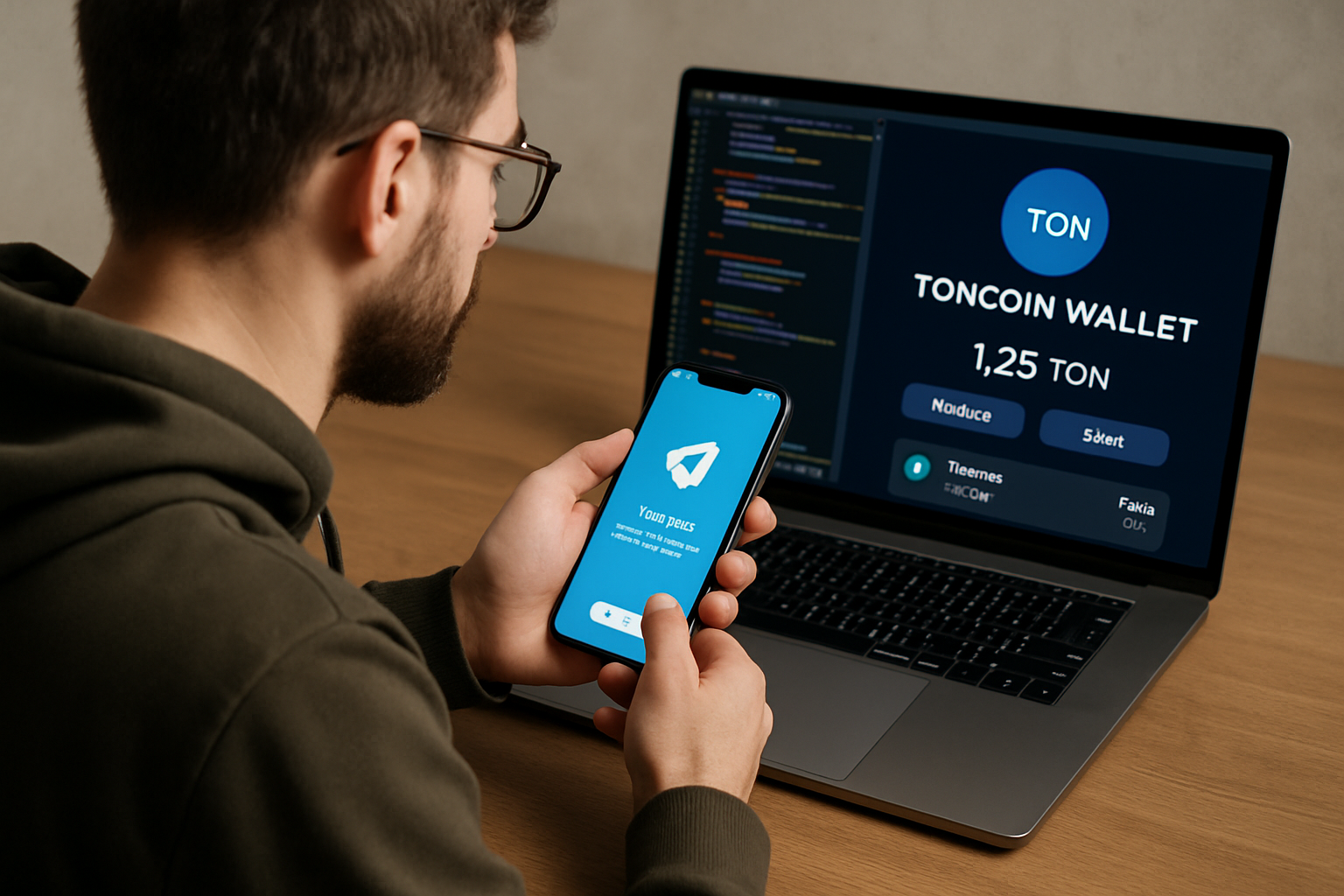
Integrating Toncoin Telegram bot payments means instant, borderless transactions with minimal fees. Unlike legacy payment processors or even other crypto options, Toncoin leverages The Open Network’s speed and security while remaining natively accessible in any Telegram chat. This seamless experience is driving new business models for service providers, creators, and digital vendors.
The synergy between Telegram blockchain payments and user-friendly bots means you can sell e-books, subscriptions, NFTs, or offer premium features, all without users ever leaving their favorite messaging app. For developers and businesses looking to future-proof their offerings, Toncoin integration is no longer optional, it’s essential.
Step 1: Set Up Your Telegram Wallet with @wallet Bot
Your journey starts by creating a secure Toncoin wallet inside Telegram:
Setting Up a TON Wallet in Telegram with @wallet Bot
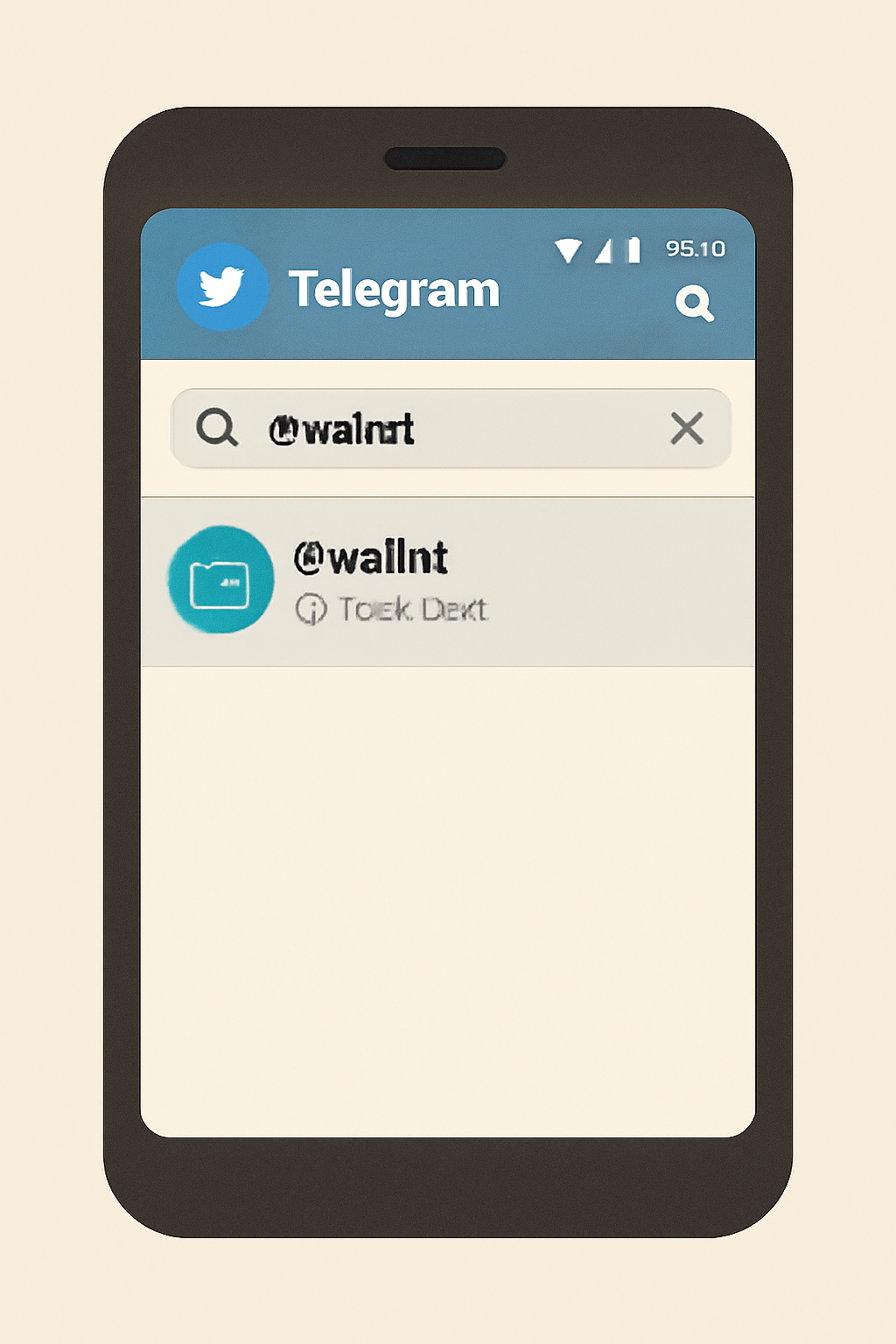
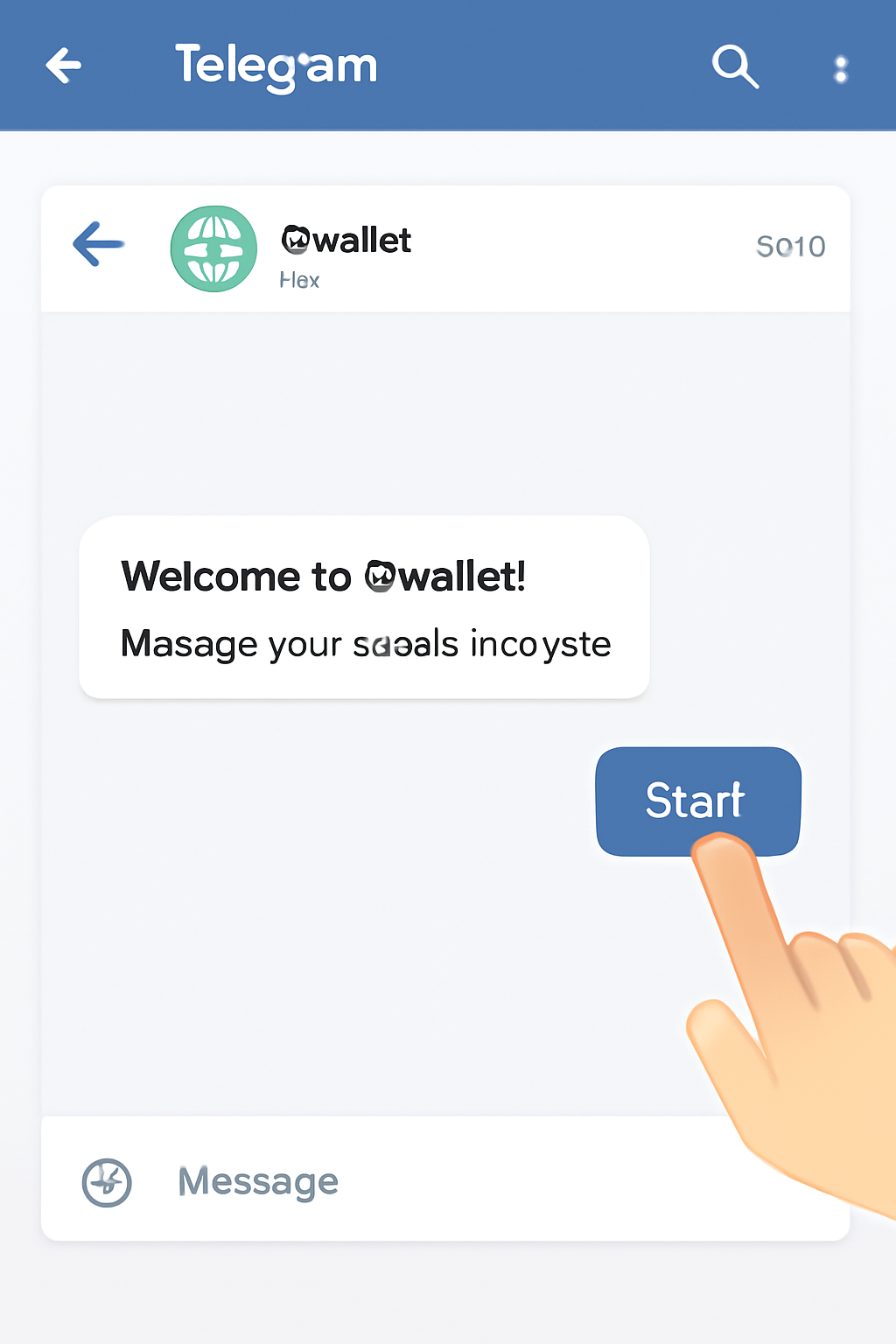
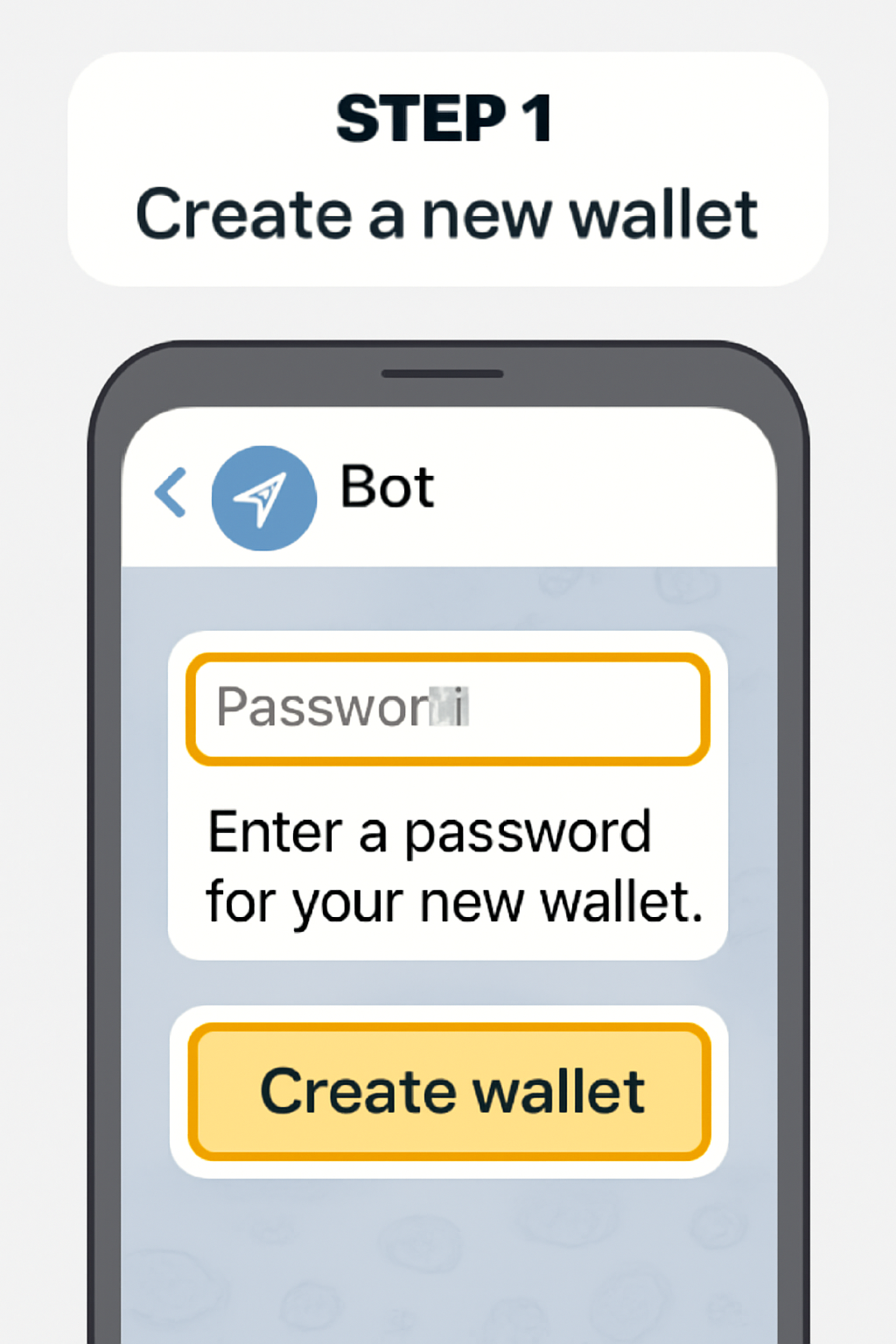
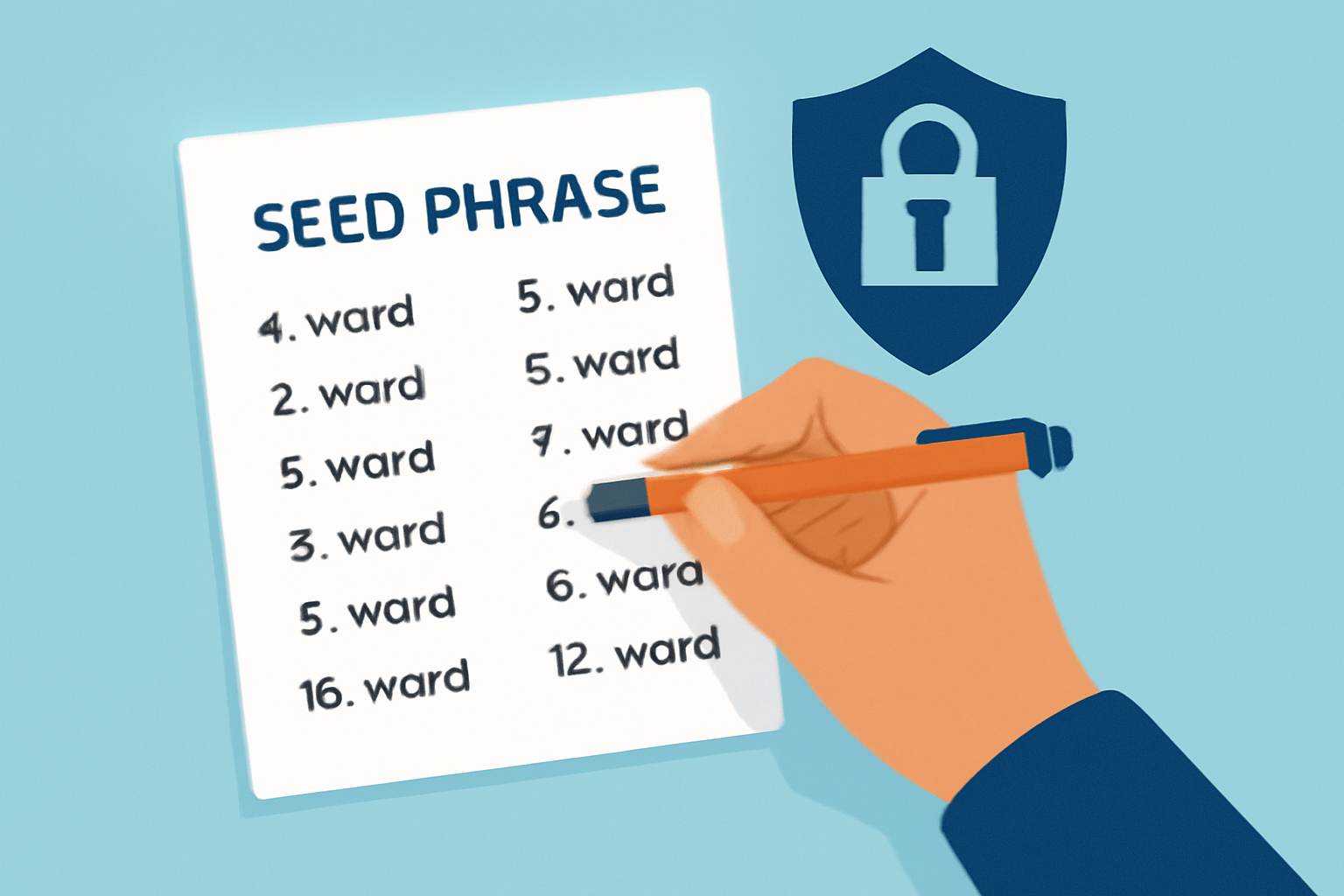
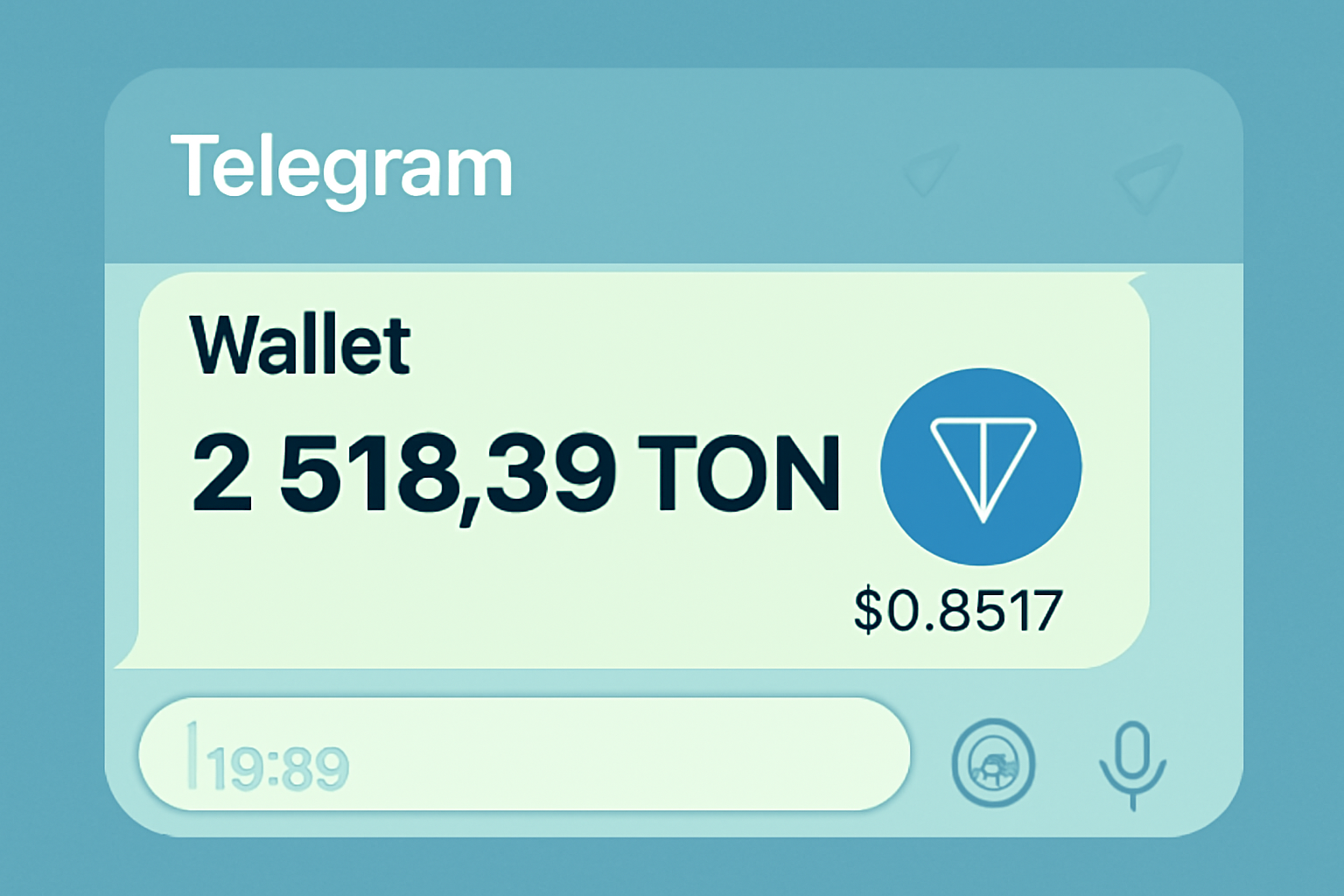
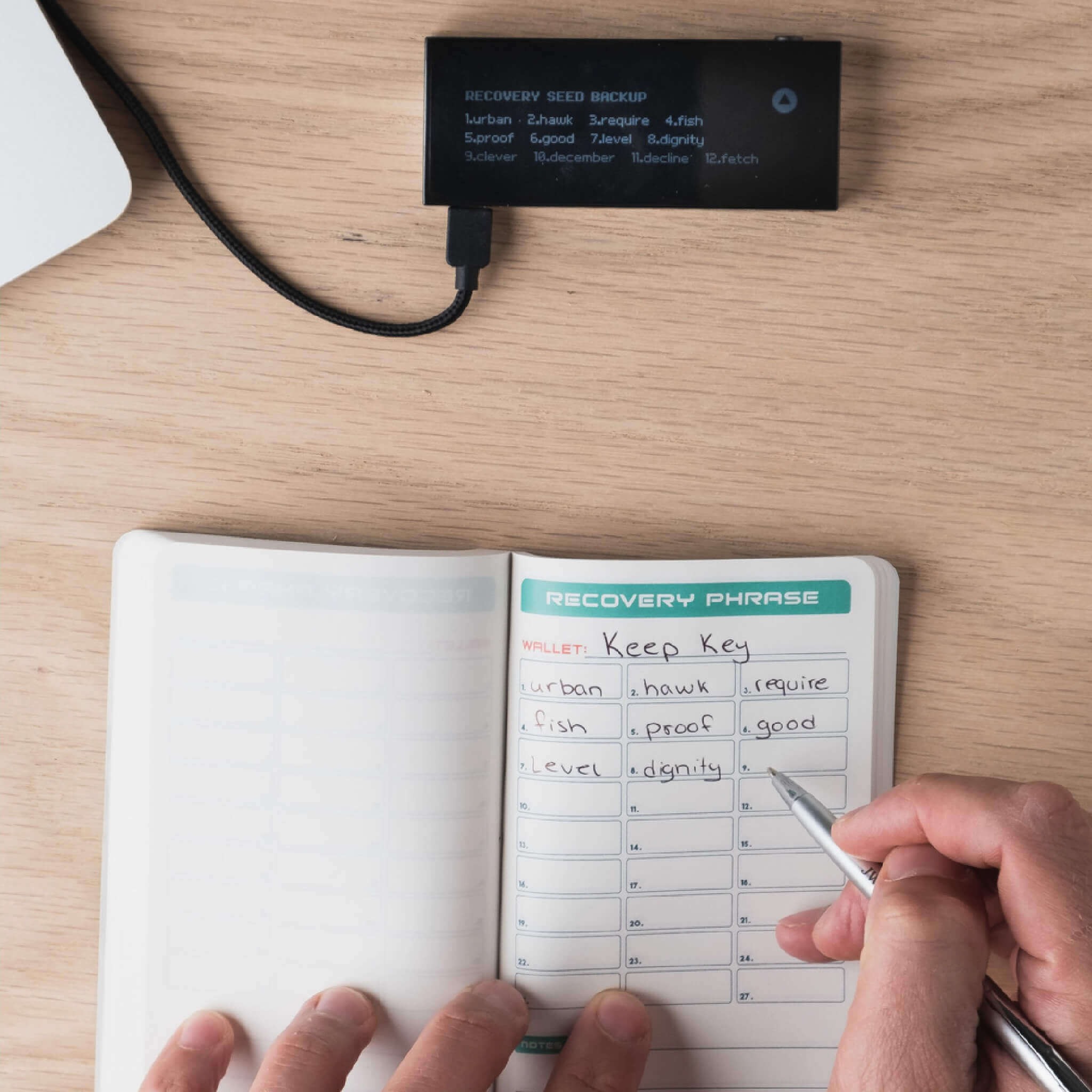
The @wallet bot provides an intuitive onboarding process. Once set up, you’ll receive a seed phrase, think of this as your master key. Store it offline; if compromised or lost, your funds could be at risk.
Step 2: Funding Your Wallet, P2P and Card Options Explained
With your wallet ready, it’s time to add TON so you can interact with bots or accept payments through your own projects:
- P2P Purchase: Inside @wallet’s P2P section, select ‘Buy TON’, pick your local currency (USD/EUR/others), choose a payment method (bank transfer or card), and follow prompts for instant settlement.
- Credit/Debit Card: Prefer plastic? Use @wallet’s ‘Buy’ feature to purchase directly with Visa/Mastercard. Note that third-party fees may apply but the process remains smooth for most users worldwide.
- External Transfers: Already have TON elsewhere? Simply select ‘Receive’ in @wallet to copy your address and send funds from any external exchange or wallet.
This flexibility empowers both beginners and advanced users to get started quickly, even if they’re new to crypto entirely.
Step 3: Integrating Toncoin Payments Into Your Own Telegram Bot
If you’re building for others, or want to monetize your own services, the next step is technical but straightforward thanks to robust developer tools:
- Create Your Bot: Use @BotFather, Telegram’s official tool for generating new bot tokens.
- Dive Into Code: Python developers can leverage libraries like
aiogram. Store sensitive credentials (bot token, TON API keys) securely in configuration files such asconfig. json. - Add Payment Logic: Implement functions that handle payment requests from users, verify incoming transactions on-chain using the TON API, and confirm when funds are received, all within seconds.
This approach allows you to create anything from simple tip jars to full-featured storefronts inside Telegram chats. For an in-depth walkthrough tailored for developers or small businesses, explore our dedicated guides below:
- How To Integrate Toncoin Payments Into Telegram Bots: A Step-by-Step Guide
- How To Integrate Toncoin Payments Into Telegram Bots For Small Businesses
As Toncoin cements its place in the Telegram ecosystem, developers and businesses are finding new ways to leverage this synergy for real-world impact. The ability to accept, send, and manage Toncoin Telegram bot payments not only streamlines operations but also opens up innovative business models. Whether you’re a digital artist selling NFTs, a SaaS provider offering subscriptions, or a community leader running a donation-based group, the tools are now in your hands.
Best Practices for Secure and Efficient Toncoin Payments
To maximize the benefits of Telegram blockchain payments, keep these key strategies in mind:
Best Practices for Secure Toncoin Payments in Telegram Bots
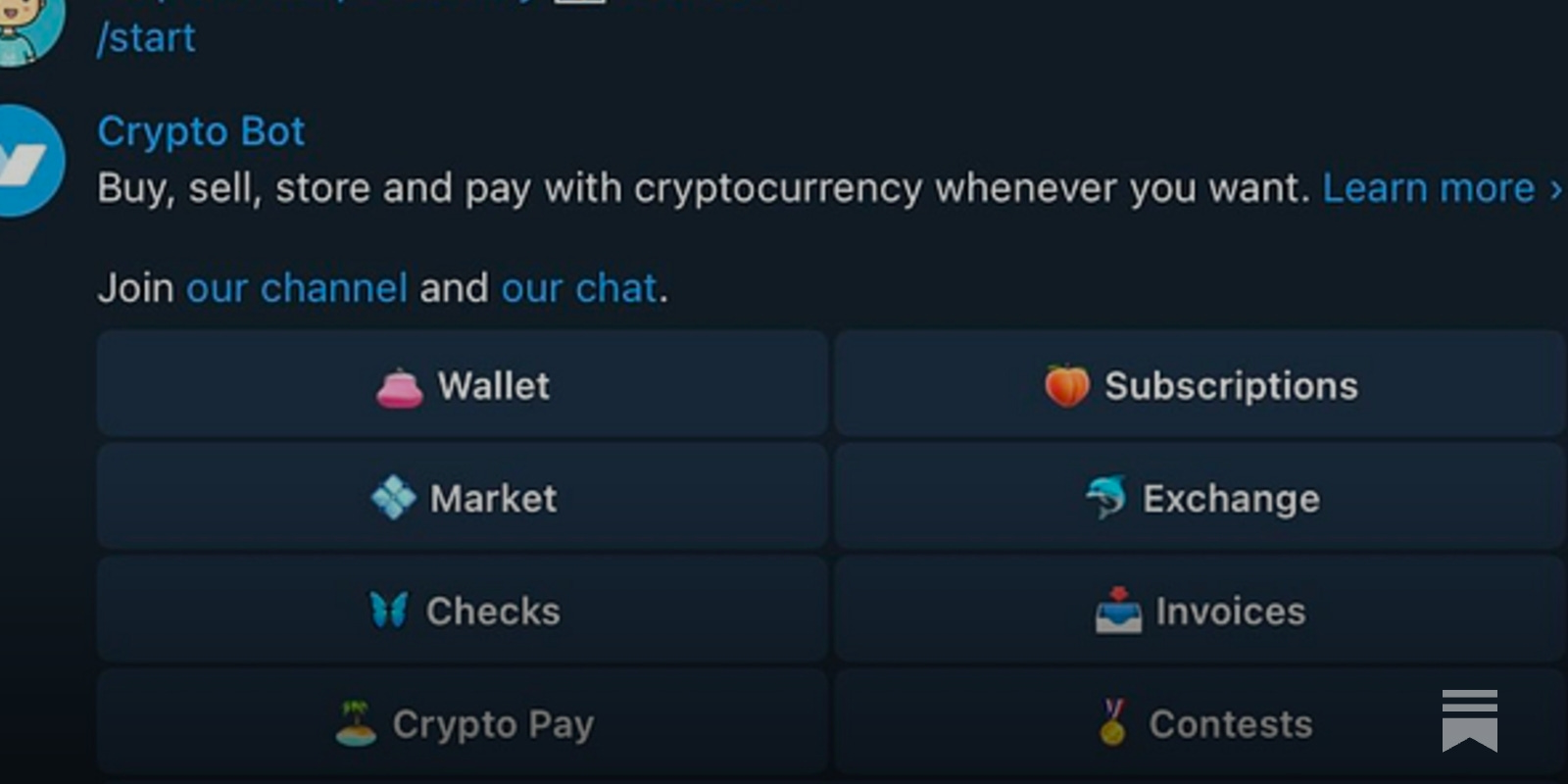
- Use Only Official Telegram Bots and Wallets: Always interact with verified bots like @wallet for Toncoin transactions. Check for the official blue checkmark and review community feedback before using any payment bot.
- Safeguard Your Seed Phrase Offline: When setting up your Telegram Toncoin wallet, securely store your seed phrase offline—never share it or store it in cloud services. This is your only way to recover your funds if you lose access.
- Enable Two-Factor Authentication (2FA): Activate 2FA on your Telegram account to add an extra layer of security, especially if you manage bot payments or significant Toncoin balances.
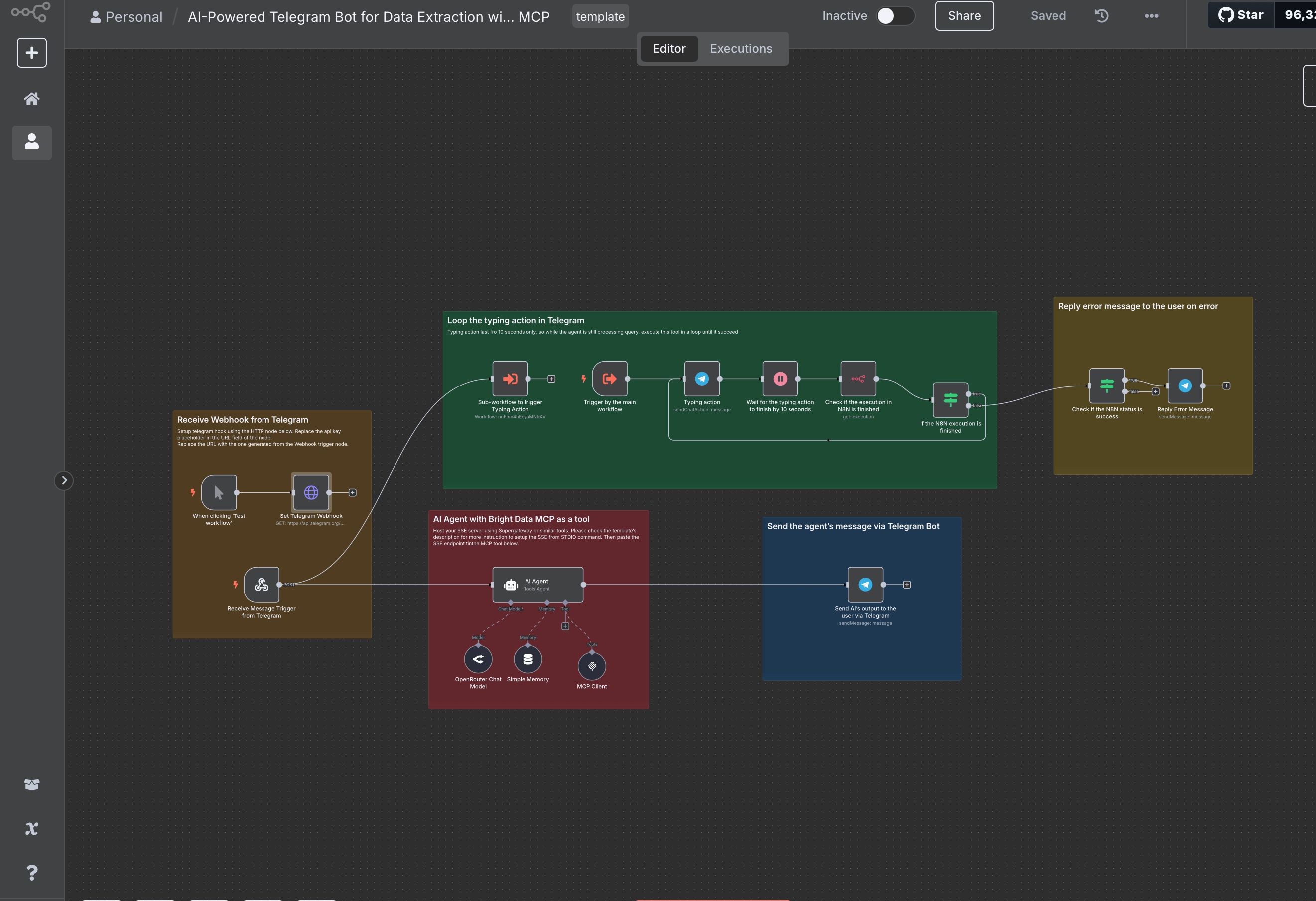
- Keep Bot API Tokens and TON API Keys Confidential: Store your Telegram bot token, TON API key, and wallet addresses in a secure, non-public location (such as environment variables or encrypted config files) to prevent unauthorized access.
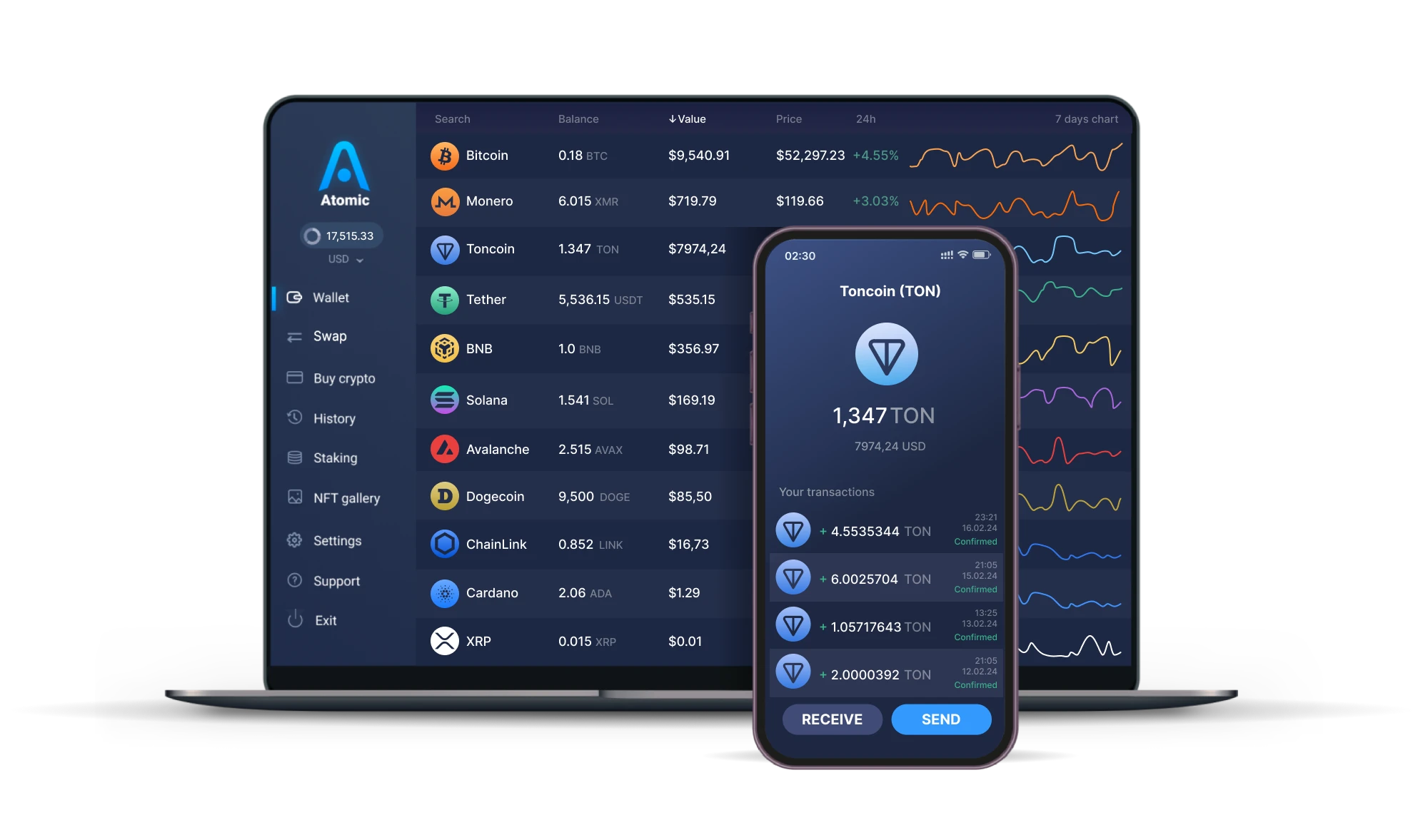
- Monitor Transactions and Set Alerts: Use Telegram wallet features or third-party blockchain explorers to track incoming and outgoing Toncoin payments. Set up notifications for large or unusual transactions to detect suspicious activity early.
- Regularly Update Bot Code and Dependencies: Keep your bot’s codebase and libraries (such as aiogram) up to date to patch security vulnerabilities and ensure compatibility with the latest TON and Telegram APIs.
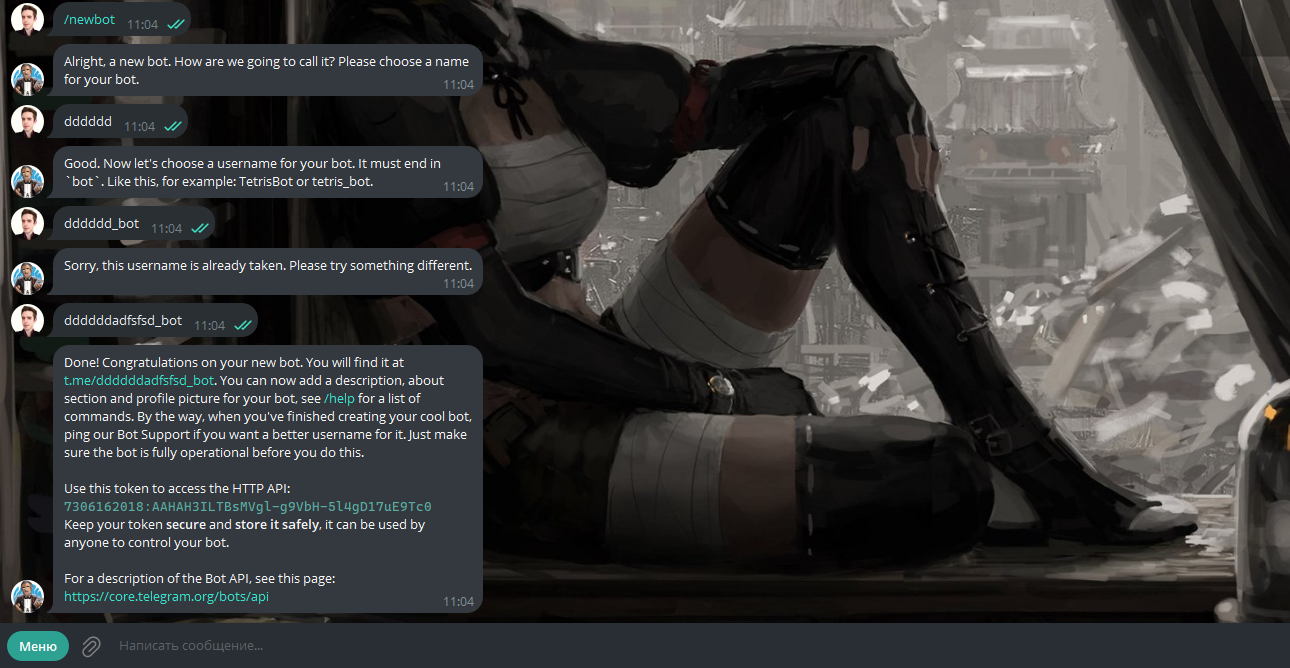
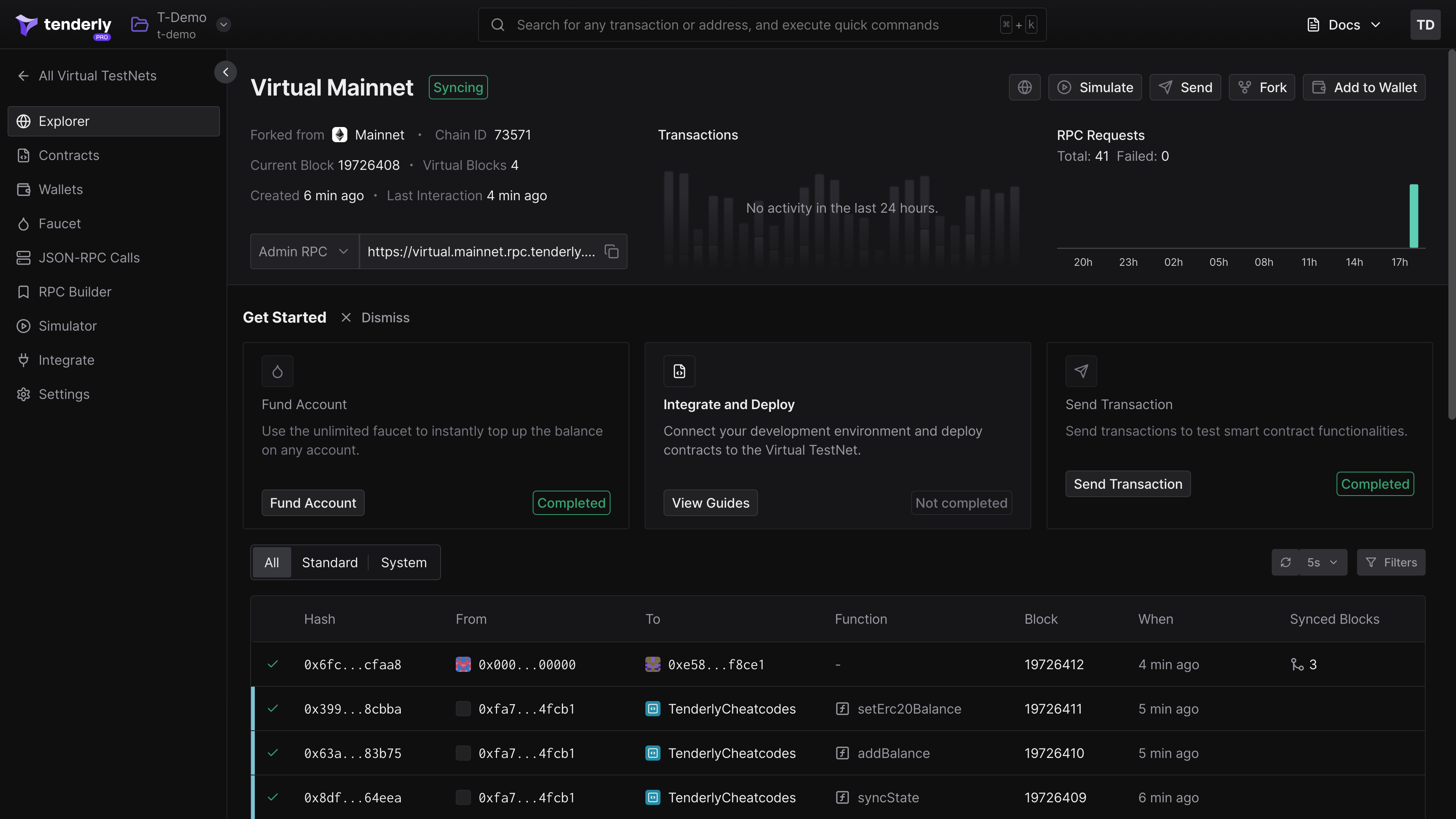
- Test Payment Flows in a Safe Environment: Before going live, use TON testnet and sandbox environments to simulate Toncoin payments and verify your bot’s payment logic without risking real funds.
- Educate Users About Scams and Phishing: Inform your bot users about common Telegram and Toncoin scams. Advise them to verify bot authenticity and never share sensitive information like wallet seeds or private keys.

1. Automate Transaction Monitoring: Use webhook notifications or periodic checks to confirm Toncoin transfers instantly, providing users with real-time feedback.
2. Minimize Manual Handling: Leverage smart contracts and automated scripts to reduce human error and speed up transaction processing.
3. Maintain Transparency: Provide users with clear payment statuses, receipts, and refund policies within the bot interface.
4. Regularly Update Bot Security: Keep dependencies up to date and review access to sensitive configuration files, especially those containing wallet credentials.
5. Educate Your Users: Offer onboarding tips and warnings about common scams to foster a safer payment environment for all participants.
Toncoin’s Price Position: Stability at $0.9517
As of October 22,2025, Toncoin (TON) is holding steady at $0.9517, reflecting growing confidence among both users and merchants. This price point, combined with low transaction fees and instant settlement, makes TON an attractive choice for microtransactions and larger business payments alike.
With this stability, more Telegram bots are expected to adopt Toncoin as a default payment method, accelerating adoption across global communities.
Real-World Examples: How Bots Are Using Toncoin Today
The landscape of Toncoin for developers is expanding rapidly. Here are just a few examples of what’s possible:
- Digital Content Sales: Artists and writers deliver e-books or exclusive content directly after Toncoin payment confirmation.
- SaaS Subscriptions: Productivity tools or analytics services offer frictionless monthly billing via Telegram bots.
- NFT Marketplaces: Users can mint, buy, or sell NFTs using TON natively inside chat interfaces.
- Crowdfunding and Donations: Community leaders run transparent donation campaigns with instant on-chain reporting.
The flexibility and composability of Telegram bots mean you’re limited only by your imagination, and the rapidly evolving toolkit provided by The Open Network.
If you’re looking to dive deeper into technical integration or business strategy, our specialized guides offer tailored advice for every stage of your journey. Developers can find detailed walkthroughs on wallet integration and payment logic at How To Integrate Toncoin Payments Into Telegram Bots: A Step-by-Step Guide For Developers. Small business owners will benefit from practical tips on scaling payments and managing user experience at How To Build And Launch A Toncoin Payment Bot On Telegram For Small Businesses.
The future of commerce on Telegram is decentralized, rapid, and accessible to all. By embracing Toncoin payments today, you’re not just keeping pace with innovation, you’re helping to shape it.

No comments yet. Be the first to share your thoughts!