
Integrating a Toncoin payment bot into your Telegram channel is rapidly becoming a game-changer for small businesses looking to blend the convenience of messaging with the power of Web3 payments. With Telegram’s global reach and TON’s fast, low-cost transactions, merchants can now accept crypto payments directly in-app, streamlining the customer experience and expanding their audience beyond traditional fiat users.
Why Small Businesses Are Turning to Toncoin-Powered Telegram Bots
Traditional payment rails often come with high fees, slow settlement times, and regulatory complexity. In contrast, Telegram bot Toncoin integration offers instant settlement, minimal fees, and borderless access. For small businesses - whether you’re running an online shop or offering digital services - this means you can receive payments from customers worldwide without the headaches of legacy finance.
The synergy between Telegram and The Open Network (TON) is particularly compelling. As outlined by TokenMinds and TON Docs, integrating Toncoin into bots unlocks seamless crypto payments within the familiar interface of Telegram. This is especially attractive for entrepreneurs seeking to reduce overhead while tapping into the growing pool of crypto-native consumers.
Step 1: Setting Up Your Telegram Payment Bot
Your journey begins with creating a dedicated bot on Telegram. Open the app and search for @BotFather, Telegram’s official tool for bot creation. Use the /newbot command to generate your own bot, follow the prompts to name it, and make sure to securely save your unique API token - this will be your gateway for all further integrations.
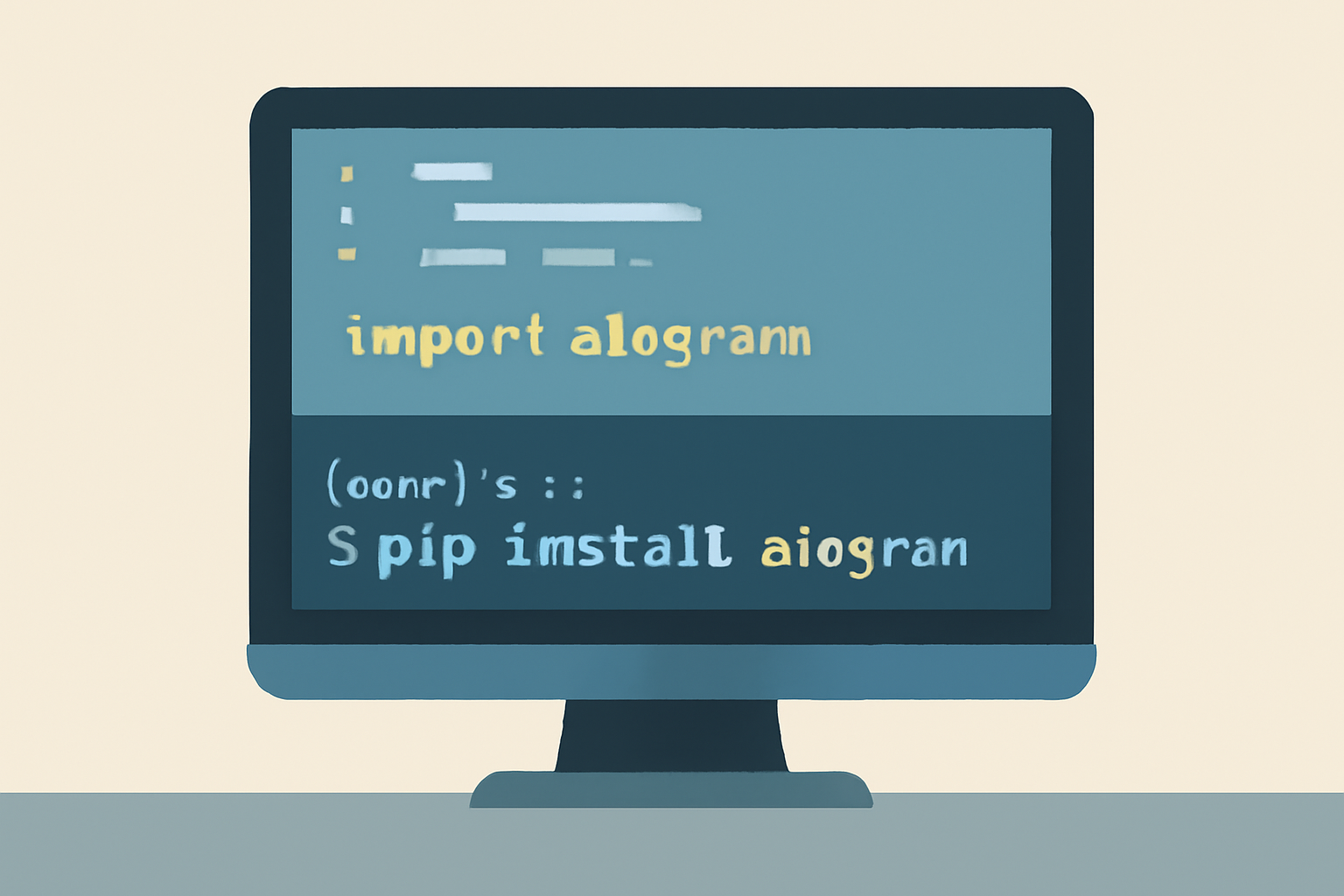
Once you have your API token, it’s time to decide how you’ll build out your bot’s functionality. Most developers opt for either Python (using aiogram) or Node. js (using grammY) due to their robust libraries and active communities. These frameworks simplify handling user commands, managing sessions, and interacting with external APIs - all crucial when building a reliable payment solution.
Step 2: Integrating Toncoin Payments on the Blockchain
The heart of any Toncoin adoption guide is connecting your business wallet to the TON blockchain. Start by setting up an official TON Wallet (https://ton.org/wallets) or another compatible wallet solution such as Tonkeeper (see MoneyZG’s YouTube tutorial for beginners). This wallet will handle all incoming business transactions in Toncoin.
You’ll need programmatic access to monitor transactions and manage orders. Register with the public TON Center API as described in the TON Docs Storefront Bot guide. For every customer transaction, generate a unique receiving address through your bot’s backend logic; this step ensures each order can be tracked individually on-chain.
Your backend should then listen for incoming transactions at these addresses using webhook notifications or periodic polling via the TON Center API. Once payment is confirmed on-chain - typically within seconds due to TON’s high throughput - your bot can automatically notify both merchant and customer that their order has been processed successfully.
How to Build and Launch a Toncoin Payment Bot on Telegram
Troubleshooting and Security Essentials
No integration is complete without robust security measures. Encrypt sensitive data such as wallet private keys, use environment variables for API tokens rather than hardcoding them, and implement rate limiting within your bot logic to prevent abuse or spam attacks. Regularly review updates from both TON Developer Documentation and Telegram APIs to stay ahead of best practices in secure implementation.
Testing is the linchpin of a successful launch. Before inviting customers, simulate real-world payment flows: initiate test transactions, verify that the bot correctly generates unique Toncoin addresses, and ensure it reliably detects and confirms incoming payments. Address edge cases, such as delayed blockchain confirmations or incorrect payment amounts, to guarantee a smooth user experience. If your business is new to Telegram bots or crypto payments, leverage open-source examples from GitHub and the TON Docs to accelerate troubleshooting.
Maximizing Adoption: User Experience and Community Engagement
For small businesses, adoption hinges on more than just technical integration. User experience (UX) is paramount, your bot should offer clear instructions, intuitive menus, and prompt notifications at every step of the payment journey. Consider adding multi-language support if you serve an international audience. To further lower the onboarding barrier for crypto newcomers, provide simple guides or quick video explainers right within your Telegram channel.
Engage with the wider TON community for ongoing support and marketing momentum. The TON Community on Telegram is an invaluable resource for feedback, collaboration opportunities, and sharing your bot with early adopters who are already comfortable transacting in Toncoin.
Key Benefits of Accepting Toncoin Payments via Telegram
- Instant Settlement: Receive funds in seconds, no waiting days for bank transfers.
- Low Transaction Fees: TON’s network fees are negligible compared to traditional card processors.
- Borderless Reach: Tap into a global customer base without currency conversion hassles.
- No Chargebacks: On-chain payments are final, reducing fraud risk.
- Full Control: You hold your own keys; no third-party custody required.
The combination of these advantages makes the case clear: integrating a Toncoin payment bot into your Telegram workflow gives small businesses the agility to compete in the digital-first economy while future-proofing their revenue streams against legacy inefficiencies.
Scaling Up: What’s Next After Launch?
Once your bot is live and operational, consider expanding its feature set based on user feedback. Popular additions include automated invoicing, inventory management integrations, loyalty rewards paid in Toncoin, or even NFT-based coupons for repeat customers. Stay updated by following TON’s developer channels and participating in hackathons or community events, these are often where new opportunities and partnerships emerge.
The landscape of Telegram blockchain payments is evolving rapidly. Businesses that move early not only benefit from increased efficiency but also position themselves as innovators within their niche. As adoption accelerates globally through platforms like Telegram and TON, now is the ideal moment to give your customers, and your bottom line, the edge of seamless crypto payments.

No comments yet. Be the first to share your thoughts!