
Integrating Toncoin payments into Telegram bots is quickly becoming a must-have feature for projects and businesses looking to leverage the Telegram blockchain ecosystem. With Toncoin’s native support in the Telegram app and a robust set of developer tools, you can now enable seamless, secure, and instant crypto transactions for your users, directly inside their favorite messaging platform. Let’s break down how developers can get started with Toncoin bot integration, step by step.
Why Integrate Toncoin Payments in Your Telegram Bot?
The synergy between Telegram’s massive user base and the growing adoption of Toncoin creates an unprecedented opportunity for developers. By enabling Toncoin payments, you unlock:
- Frictionless onboarding: Users pay or receive TON without leaving Telegram
- Global reach: Tap into a borderless audience who already trust Telegram bots
- Lower fees and settlement times: Enjoy instant settlement with minimal network costs compared to legacy payment rails
- Ecosystem incentives: Participate in TON-based loyalty programs or token-gated experiences
This guide will walk you through building your own payment-enabled bot using Python and Aiogram, leveraging trusted sources like TON Docs and TON Center API for blockchain interactions.
Step 1: Setting Up Your Telegram Bot Foundation
Your journey begins with creating a new bot identity on Telegram. Use the official @BotFather to register your bot account and obtain an API token. This token is your gateway to interacting securely with users via the Bot API.
You’ll want to use a modern Python framework like Aiogram, which streamlines asynchronous development for scalable bots:
Initializing Aiogram with Your BotFather Token
To start integrating Toncoin payments into your Telegram bot, you first need to initialize your bot using Aiogram and the token you received from BotFather. Below is a minimal example to get you started:
from aiogram import Bot, Dispatcher
import asyncio

API_TOKEN = 'YOUR_BOTFATHER_TOKEN_HERE'  # Replace with your actual token

async def main():
    # Initialize the bot and dispatcher
    bot = Bot(token=API_TOKEN)
    dp = Dispatcher()

    # Here you would register handlers and start polling
    # For now, we'll just close the bot session
    await bot.session.close()

if __name__ == '__main__':
    asyncio.run(main())
This code sets up the basic Aiogram bot instance. Make sure to replace `'YOUR_BOTFATHER_TOKEN_HERE'` with the actual token provided by BotFather. Once initialized, you can proceed to add handlers for payment processing and other bot functionalities.
This foundation ensures efficient handling of user commands, payment triggers, and notifications, crucial for real-time financial interactions.
Step 2: Connecting Your Bot to the TON Blockchain
The next critical step is linking your bot to the TON blockchain for wallet monitoring and transaction verification. Start by setting up a secure wallet address using the official TON Wallet Bot. This address will receive all incoming user payments.
You’ll need reliable access to blockchain data. The public TON Center API is widely used for this purpose. After registering for an API key, you can programmatically check recent transactions on your wallet address:
Fetching Recent TON Transactions with Python
To fetch recent transactions for a TON wallet using the TON Center API, you can use the following Python script. This example uses the `requests` library to send a GET request and prints out key details for each transaction.
import requests

# Replace with your TON wallet address
wallet_address = "EQC2...your_wallet_address..."

# TON Center API endpoint for getting transactions
url = f"https://toncenter.com/api/v2/getTransactions?address={wallet_address}&limit=10"

# Replace with your TON Center API key, if you have one
headers = {
    "X-API-Key": "your_api_key_here"  # Optional, if required
}

response = requests.get(url, headers=headers)

if response.status_code == 200:
    transactions = response.json()["result"]
    for tx in transactions:
        print(f"Transaction Hash: {tx['transaction_id']['hash']}")
        print(f"Value: {int(tx['in_msg']['value']) / 1e9} TON")
        print(f"From: {tx['in_msg']['source']} To: {tx['in_msg']['destination']}")
        print(f"Timestamp: {tx['utime']}")
        print("-" * 40)
else:
    print(f"Failed to fetch transactions: {response.status_code}")
Remember to replace `your_wallet_address` with your actual TON wallet address, and provide your TON Center API key if you have one. The `value` field is in nanoTON, so we divide by 1e9 to display TON amounts.
This allows your bot to confirm when users have sent funds, ensuring trustless operation without manual intervention.
User Experience: Guiding Users Through Payment Flow
A smooth payment experience keeps users engaged and confident. When someone initiates a purchase or service request via your bot (for example, by sending/pay), generate a unique identifier they must include as a comment in their transaction. Your bot should periodically poll the blockchain using that identifier as a filter until it detects the matching deposit.
How to Send Toncoin from @wallet Bot to an External Address with a Comment
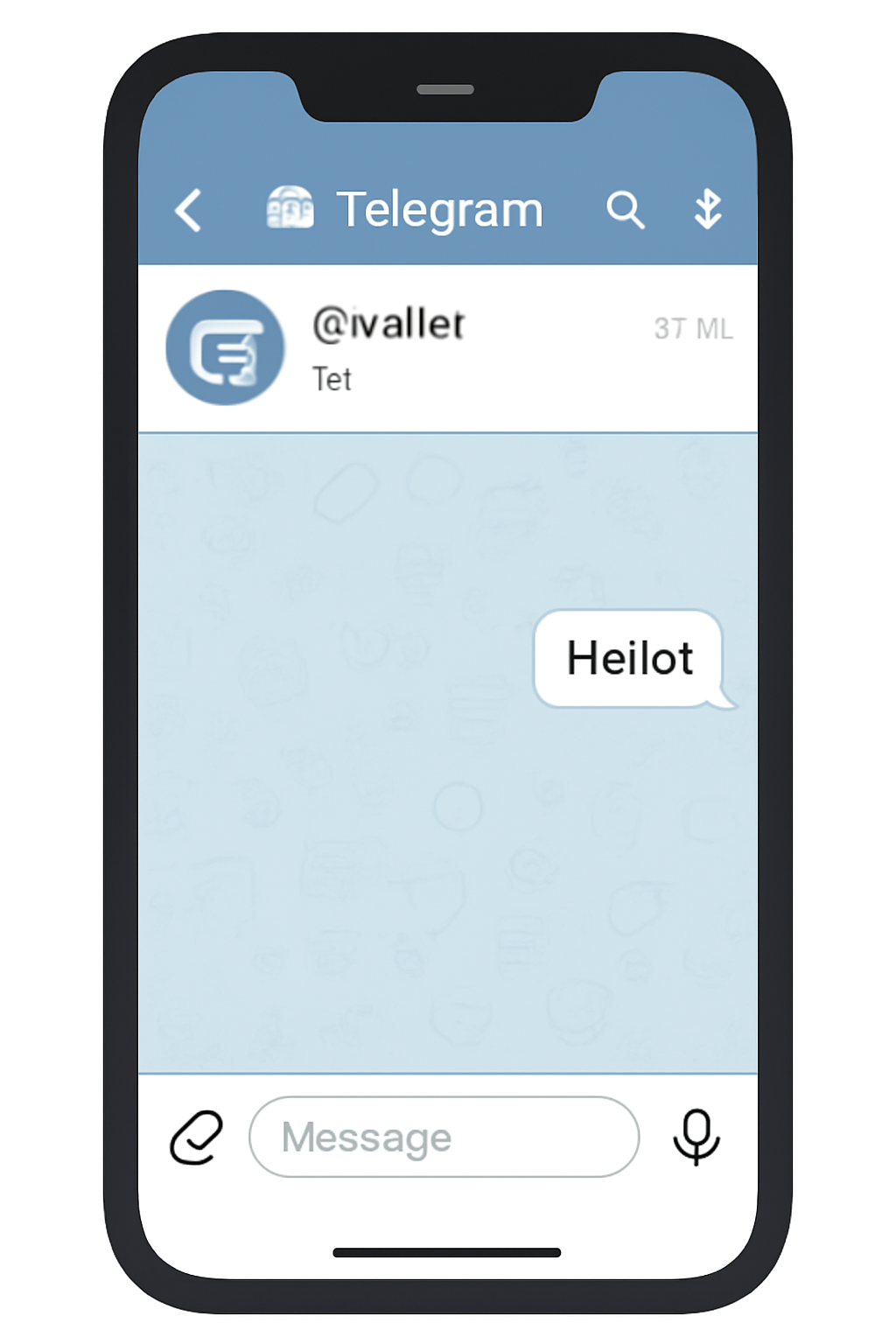
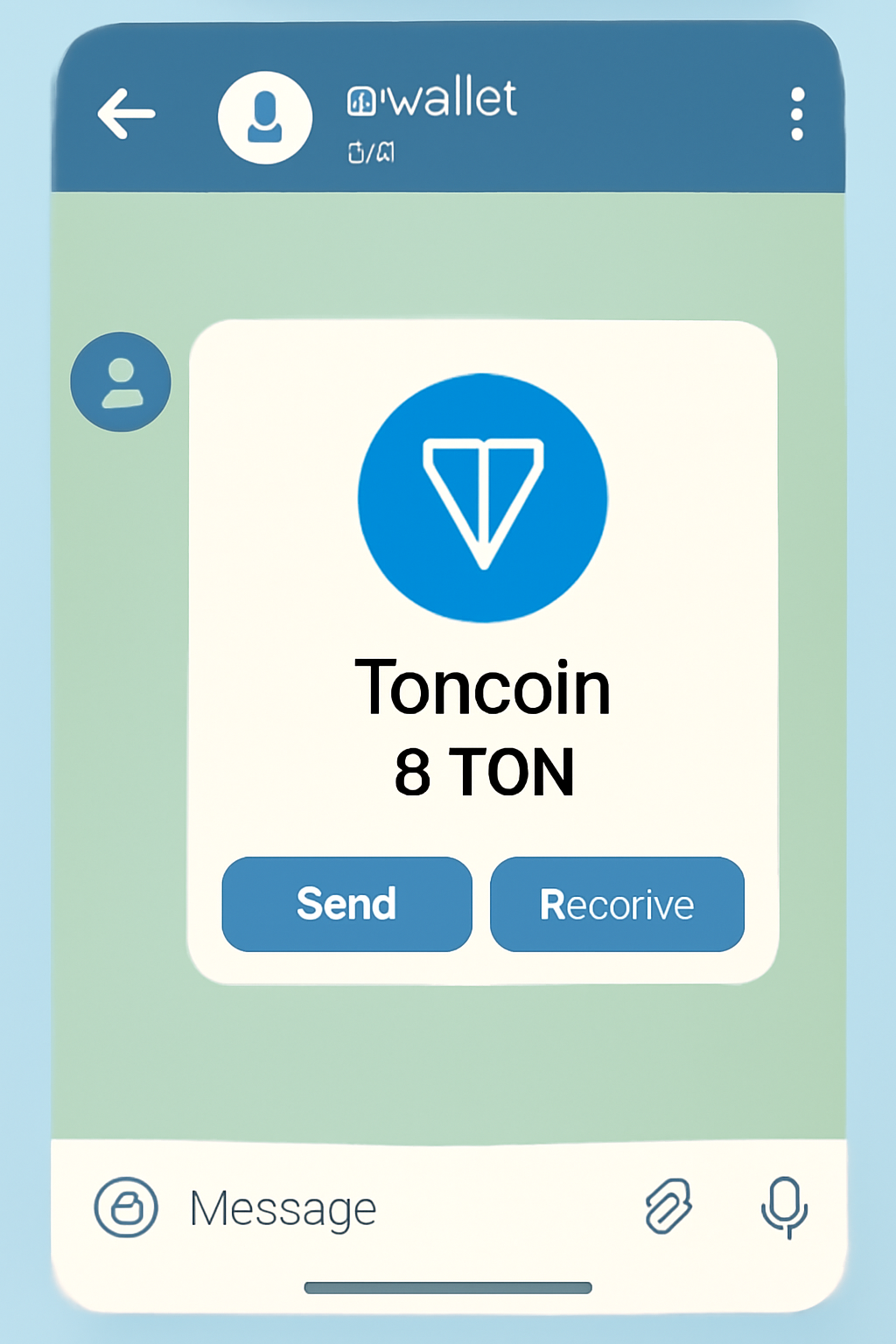
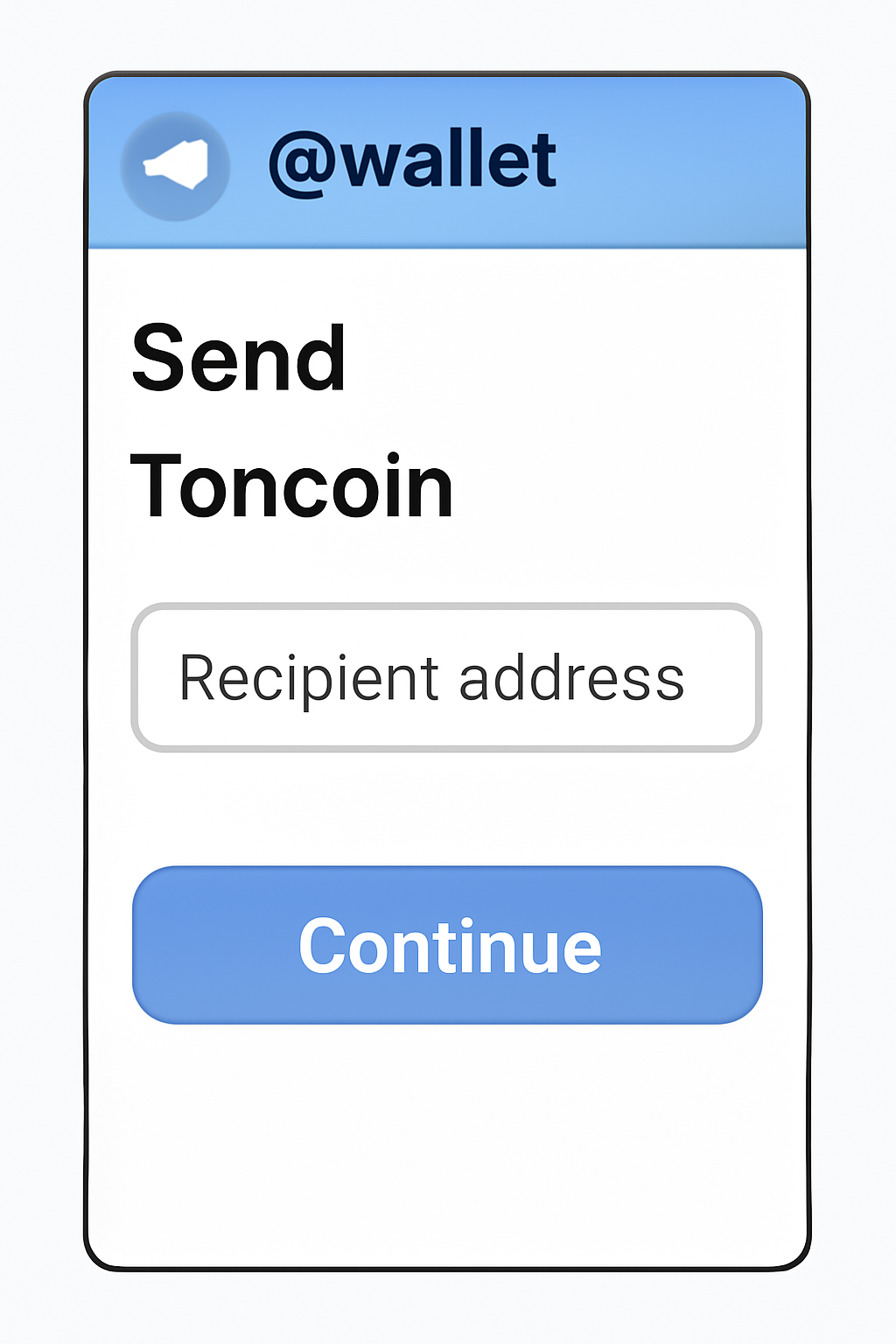
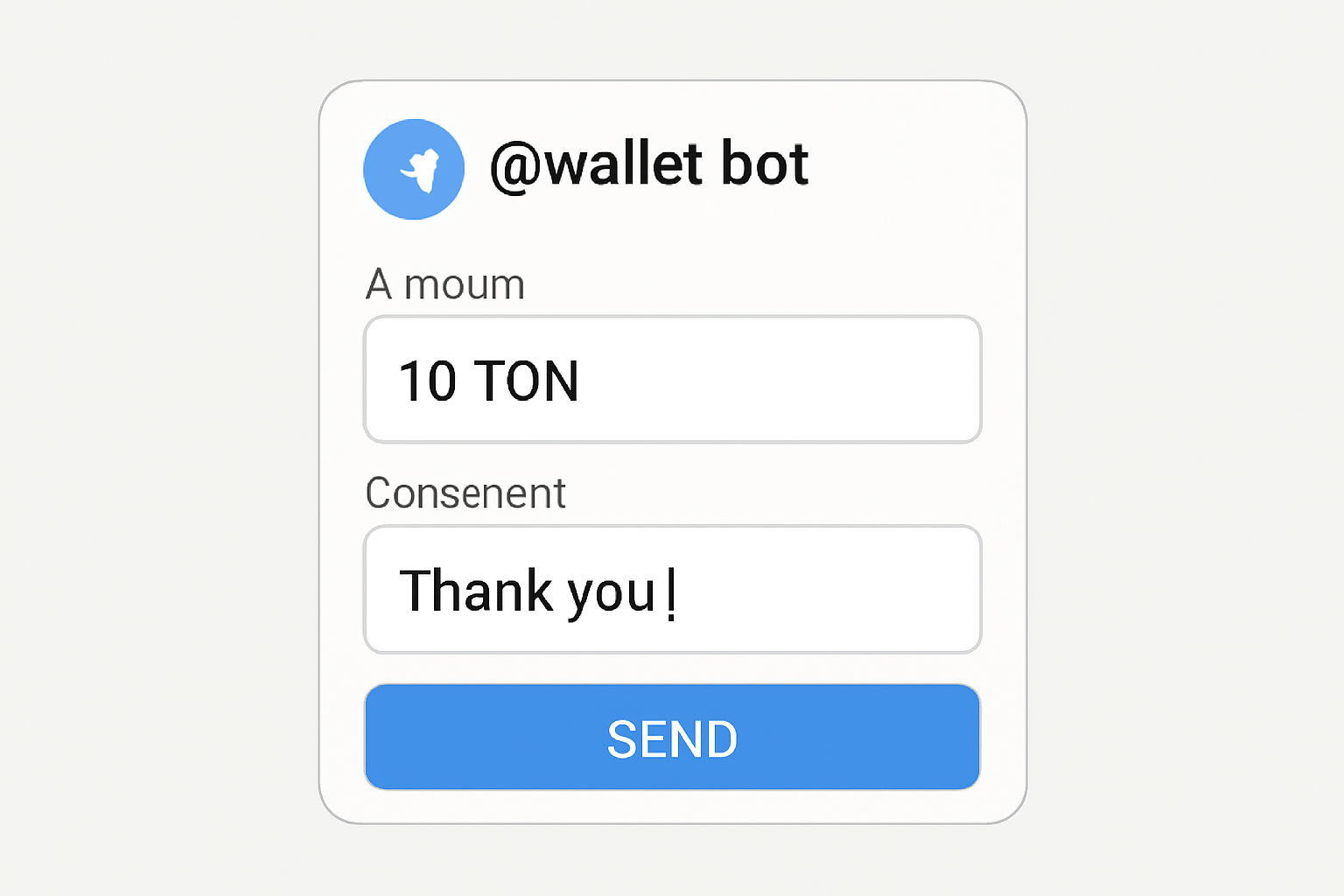
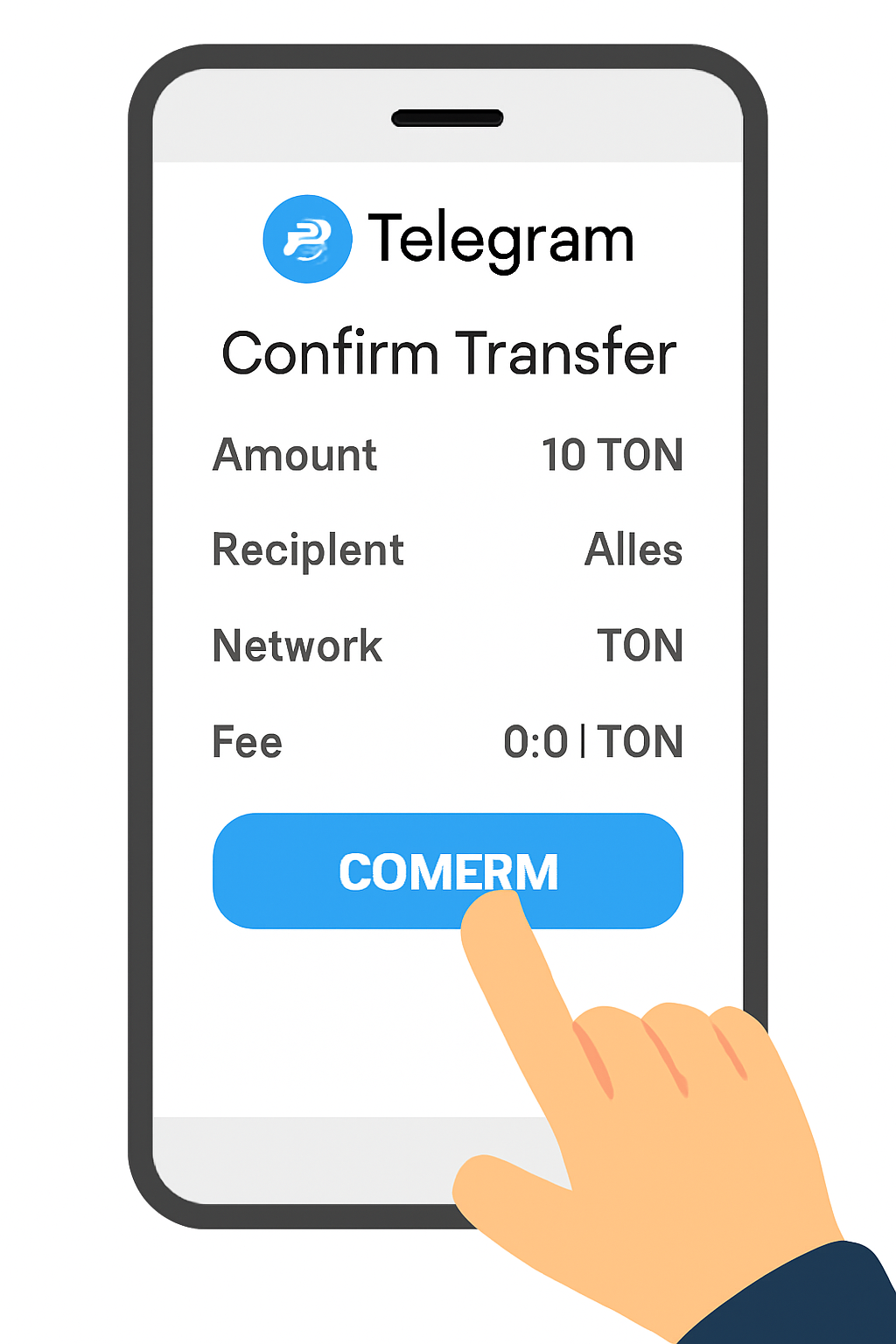
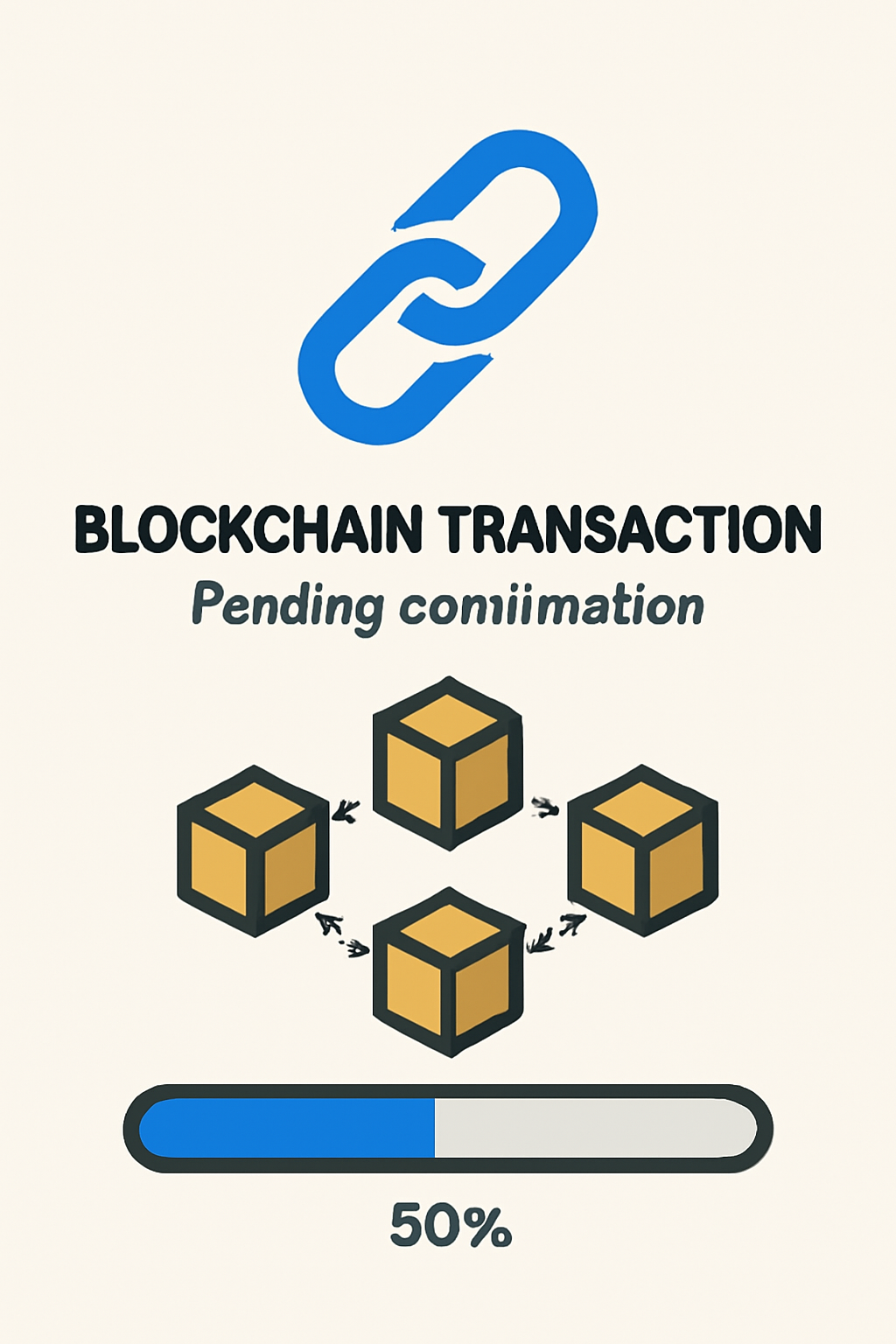
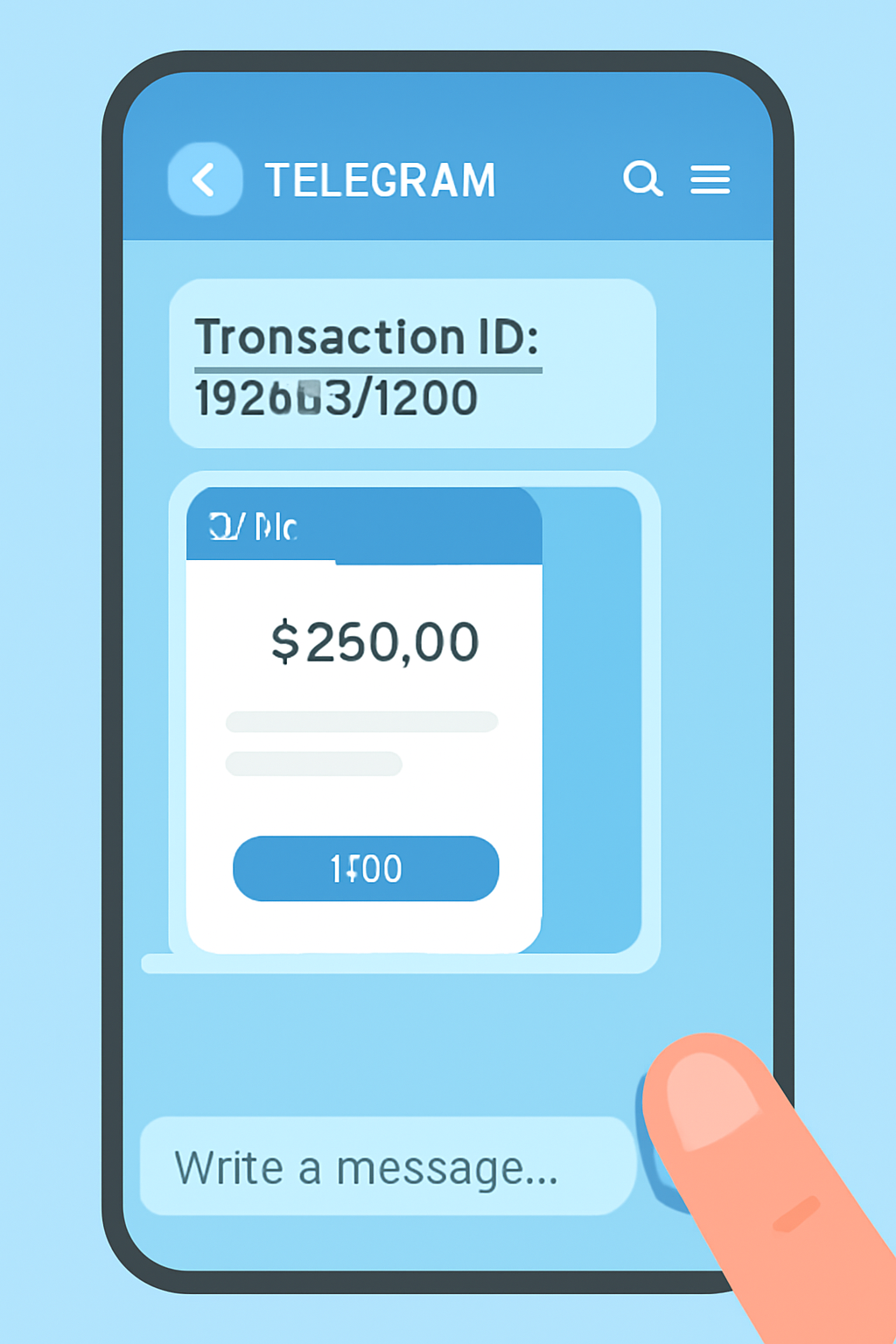
This approach prevents confusion or misapplied payments, and gives users immediate feedback once their transaction clears on-chain.
After confirming the payment, your Telegram bot can automatically deliver services, unlock premium content, or grant access to exclusive communities. The entire process is designed to be hands-off for both the user and the admin, reducing friction and minimizing support overhead. This is a critical advantage over traditional payment integrations that often require manual review or reconciliation.
Step 3: Security, Compliance, and Best Practices
Integrating Toncoin payments in your Telegram bot comes with important responsibilities. Always keep your API keys and wallet credentials secure. Use environment variables or encrypted vaults, never hardcode sensitive information in your source code. Regularly audit your dependencies for vulnerabilities and monitor access logs for unusual activity.
From a compliance standpoint, familiarize yourself with both Telegram’s Bot API Terms of Service and any local regulations regarding crypto payments. While the TON blockchain is designed for privacy and decentralization, you may still need to implement basic KYC/AML checks depending on your jurisdiction or business model.
Enhancing Your Bot: Advanced Features and Ecosystem Integrations
Once you’ve mastered basic Toncoin payment flows, consider adding advanced features:
- Automated receipts: Send users a summary of their transaction including amount, timestamp, and transaction hash for transparency.
- Multi-currency support: Accept other cryptocurrencies alongside TON using platforms like Cryptomus or by integrating additional blockchain APIs.
- Loyalty rewards: Distribute NFTs or token-based incentives to repeat users directly through the Telegram bot interface.
- User dashboards: Let users check their payment history or Toncoin balance without leaving Telegram.
The flexibility of the Telegram ecosystem allows you to shape unique experiences that go beyond simple payments, think storefront bots, subscription services, decentralized finance (DeFi) utilities, and more. For further inspiration on connecting wallets and managing balances within bots, see official guides like TON Documentation on Accepting Payments in a Telegram Bot.
Troubleshooting: Common Pitfalls and How to Avoid Them
If you encounter issues during integration, such as delayed transaction confirmations or mismatched comments, double-check that your polling interval is appropriate (not too frequent to hit rate limits but not so slow as to frustrate users). Always validate user input before processing commands to prevent confusion or abuse. Consider implementing timeout logic so pending transactions don’t linger indefinitely in your system.
If you’re using third-party APIs like TON Center, monitor their status pages for downtime or planned maintenance windows that could affect service reliability.
Final Thoughts: Driving Adoption With Seamless Payments
The ability to accept Toncoin payments via Telegram bots positions projects at the forefront of Web3 adoption. By combining robust blockchain infrastructure with intuitive messaging interfaces, developers can create novel business models that are borderless by design. Whether you’re running a digital storefront, automating freelance gigs, or building next-generation loyalty programs, the tools are now at your fingertips.
If you’re ready to take the next step in Telegram blockchain development, explore more resources from trusted sources like TON Docs and community-driven tutorials. The future belongs to those who make crypto accessible, and with Toncoin bot integration, you’re already ahead of the curve.
No comments yet. Be the first to share your thoughts!