

For anyone seeking speed, cost-efficiency, and seamless integration in the Telegram blockchain ecosystem, StonFi TON has rapidly become the go-to decentralized exchange (DEX). As the heartbeat of TON’s DeFi landscape, StonFi’s automated market maker (AMM) protocol empowers users to swap tokens with near-zero fees and minimal slippage. Whether you’re an investor chasing new opportunities or a developer building on the Telegram chain, understanding how to use StonFi is essential for unlocking TON’s full potential.
Why StonFi Is Central to TON Token Swaps
StonFi isn’t just another DEX. Its architecture is purpose-built for the TON blockchain, offering lightning-fast transactions and a user experience that feels native to both DeFi veterans and newcomers. Here’s what sets it apart:
- Low Fees: Typical transaction costs on StonFi are between 0.05-0.08 TON - a fraction of what you’d pay on legacy chains.
- Instant Settlement: Swaps complete in seconds, with tokens appearing in your wallet almost immediately.
- Smooth Wallet Integration: Direct connections with leading TON-compatible wallets simplify onboarding and execution.
- Robust Liquidity: Deep pools ensure low slippage even for sizable trades.
This combination makes StonFi an ideal entry point for exploring DeFi within the Telegram ecosystem, whether you’re swapping major assets like Toncoin or exploring new tokens emerging on TON.
Your Step-by-Step Guide to Using StonFi for Fast Swaps
Navigating your first swap on StonFi is refreshingly straightforward. Let’s break down each stage so you can execute your first trade with confidence:
How to Swap Tokens on STON.fi: A Step-by-Step Guide
1. Access the Platform: Head over to the official STON.fi application. The interface is web-based, requiring no downloads or installations.
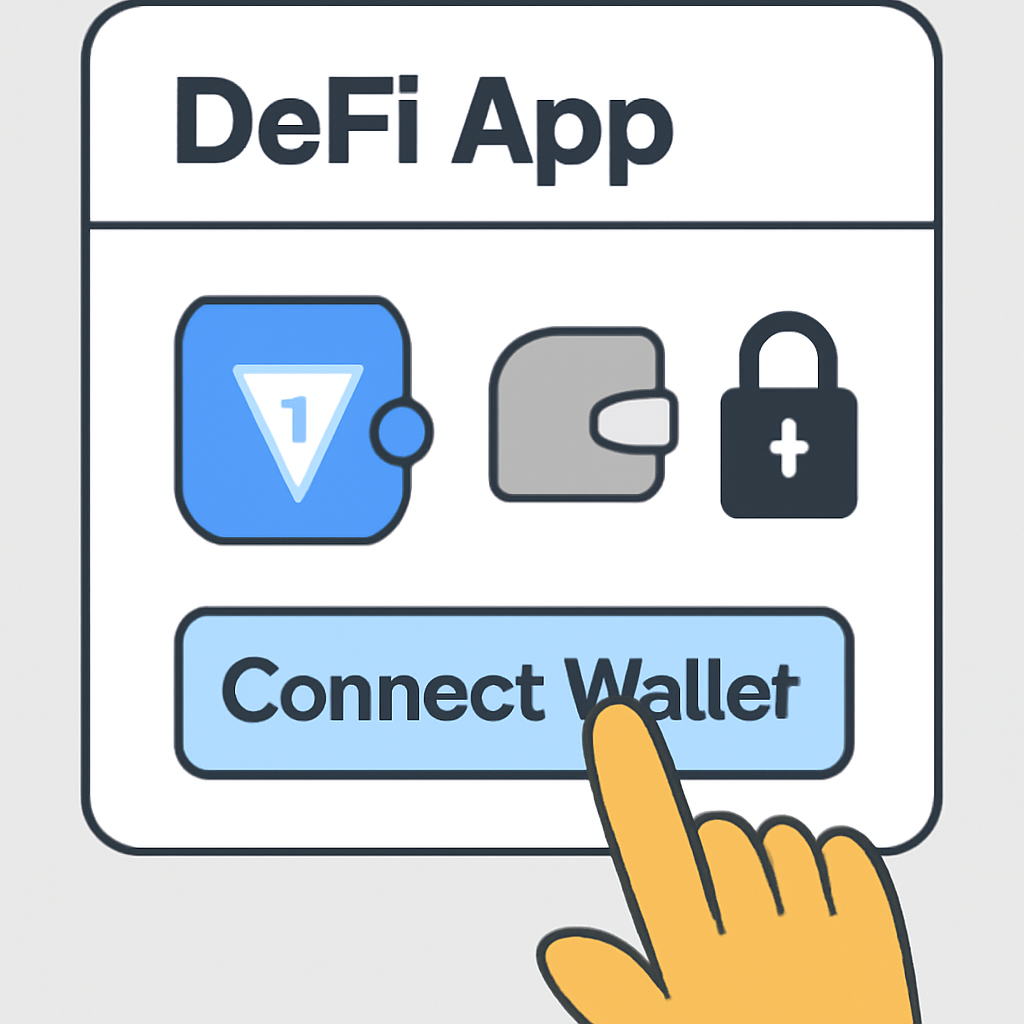
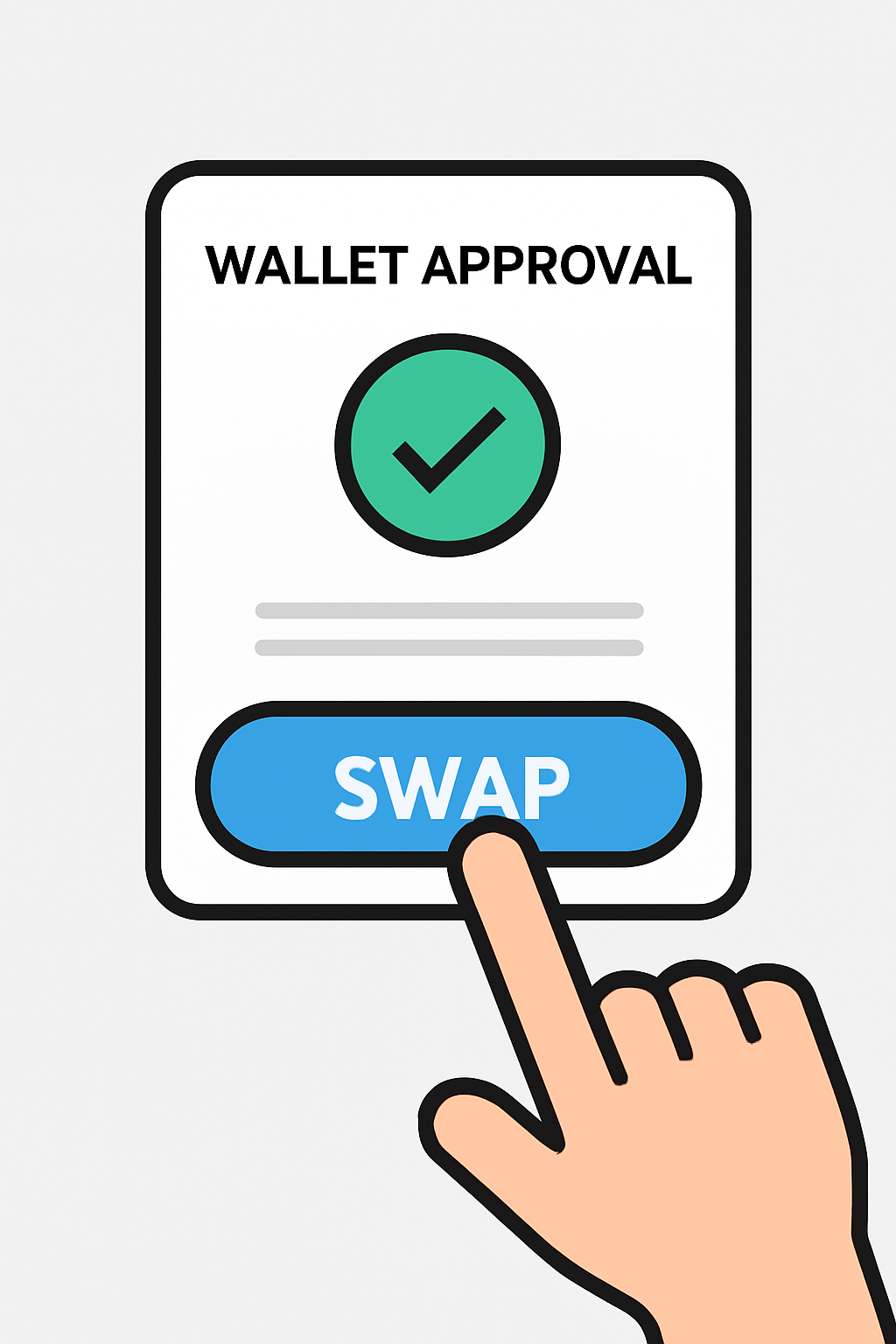
2. Connect Your Wallet: Click “Connect Wallet” and select your preferred TON-compatible wallet from the options presented. This secure connection enables direct interaction with your funds while maintaining full custody.
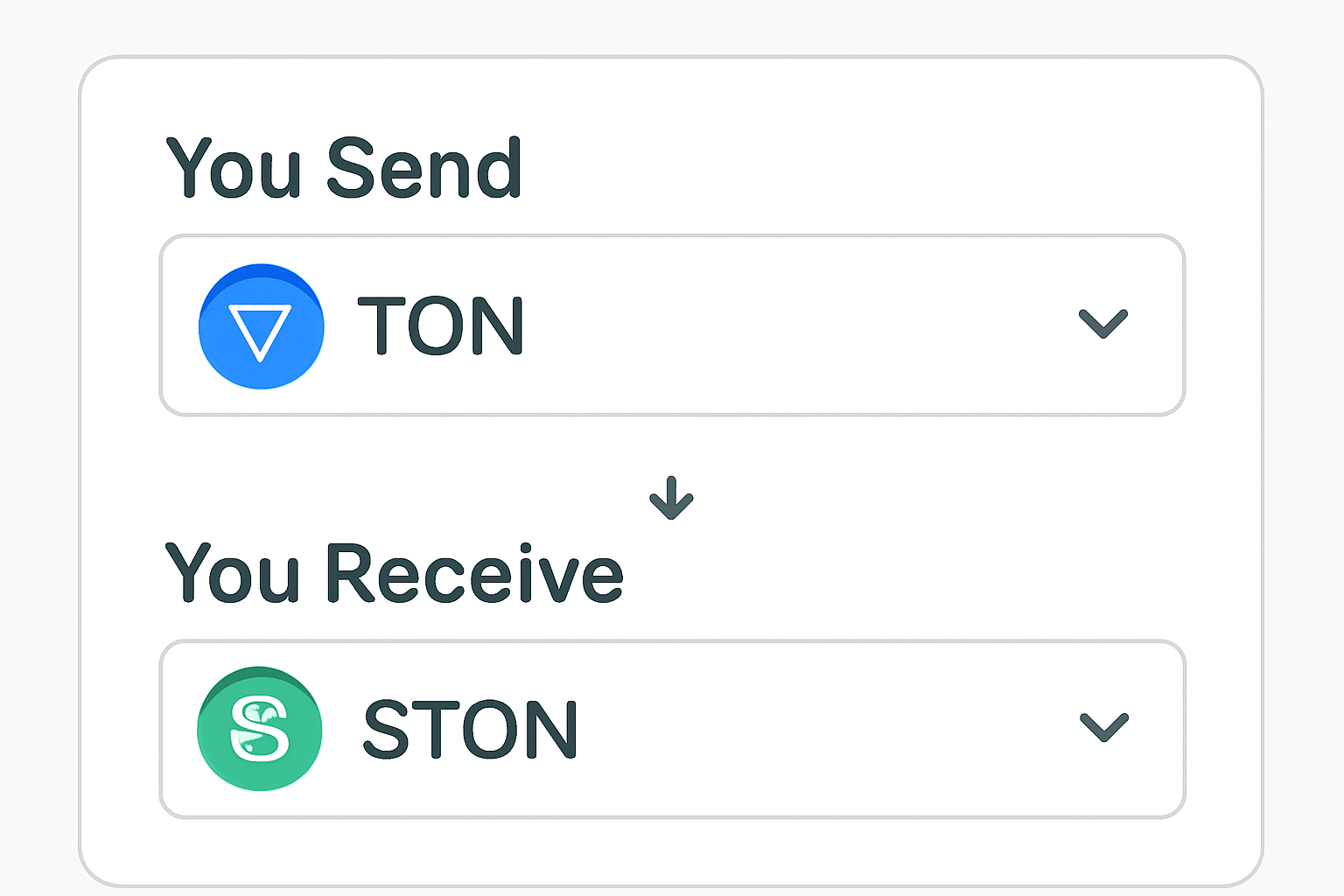
3. Choose Your Tokens:
- Select what you want to send (e. g. , Toncoin).
- Select what you want to receive (e. g. , STON token).
The platform automatically displays available pairs and optimal rates across liquidity pools, thanks to its smart routing engine.
4. Enter Amounts and Review Details:
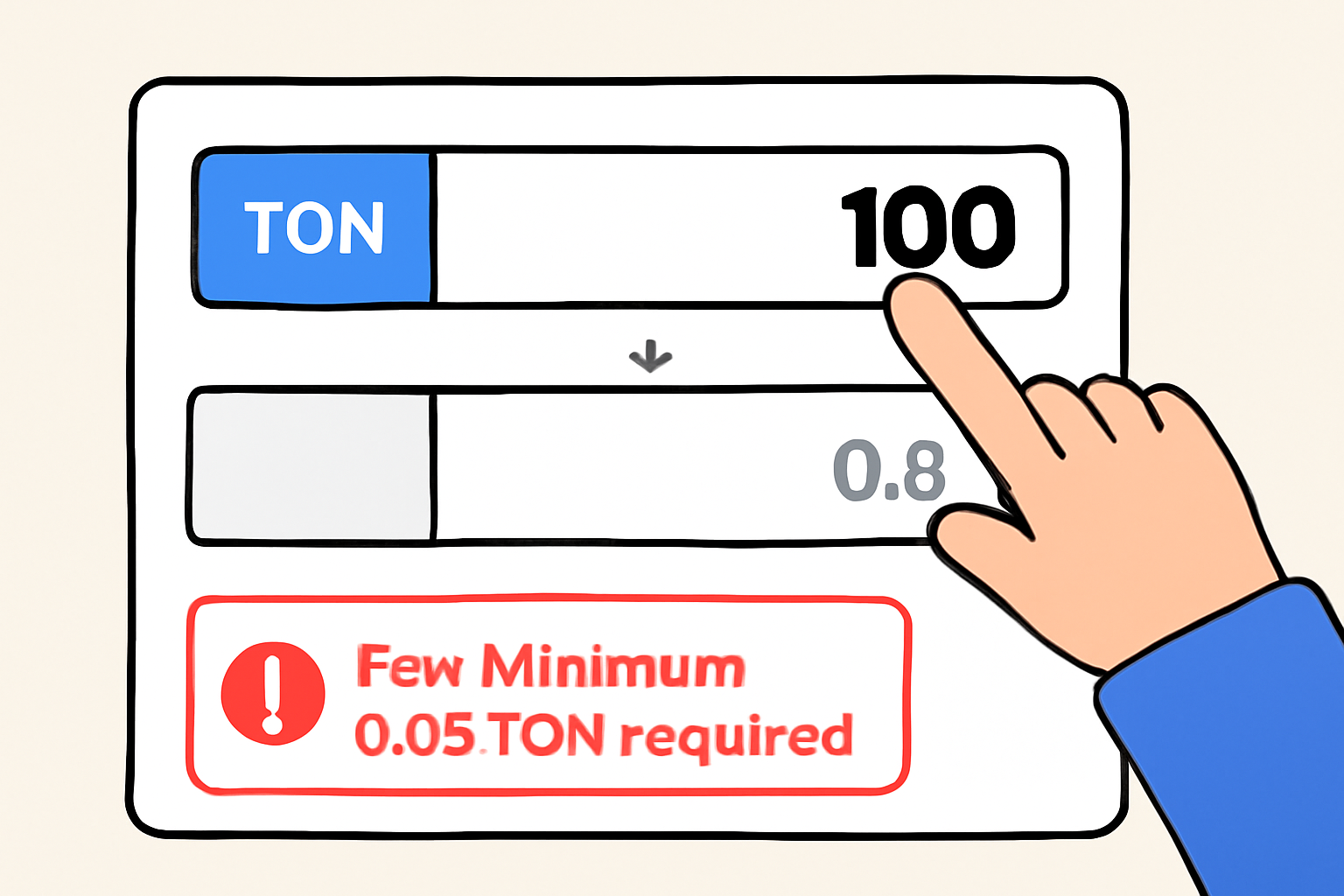
- Input how much of your source token you wish to swap.
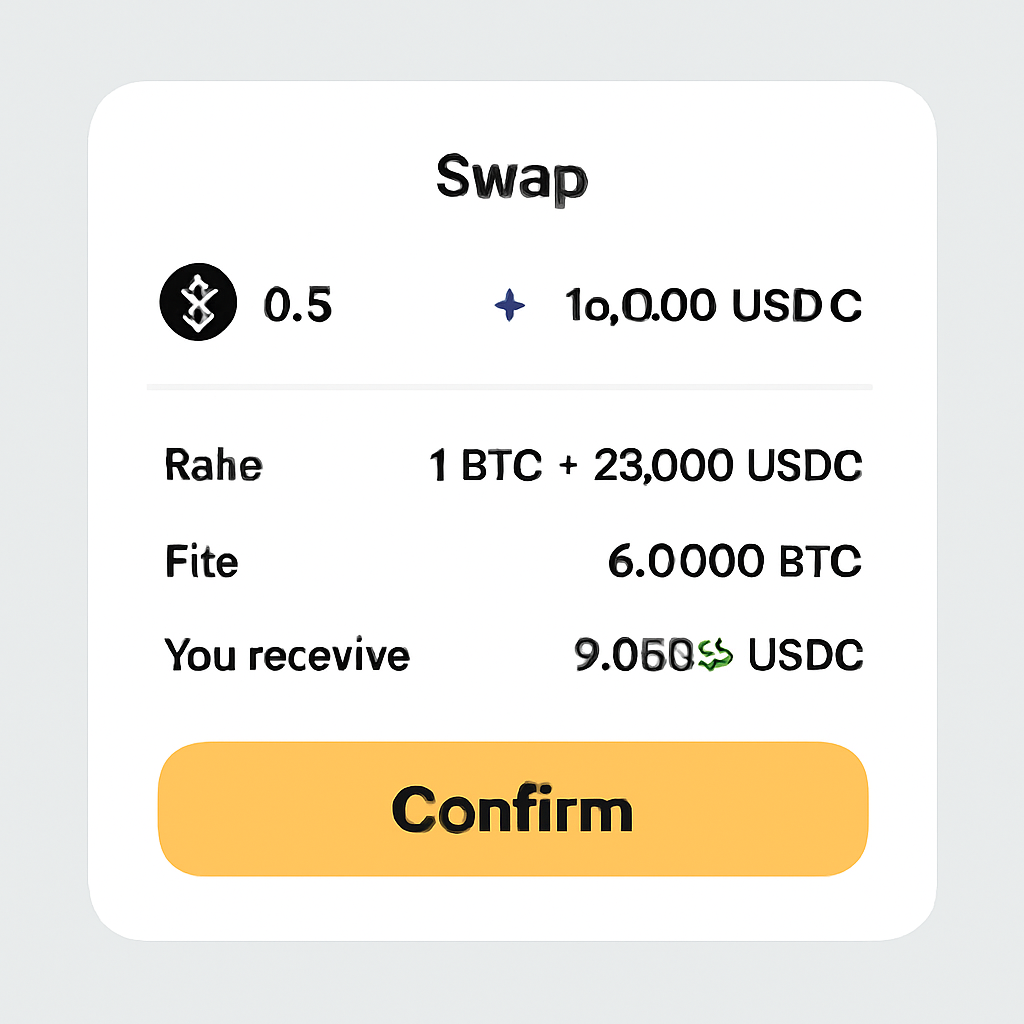
- The system instantly shows how much of the destination token you’ll receive, factoring in real-time rates and fees.
- You’ll need at least 0.4 TON in your wallet for reserve purposes; actual swap fees range from just 0.05-0.08 TON per transaction (reference guide).
Troubleshooting Tips and Best Practices for Smooth Swaps
If it’s your first time using a DeFi protocol on Telegram blockchain, here are some best practices that will help avoid common pitfalls:
Top Tips for Successful Swaps on STON.fi
- Ensure Sufficient TON Balance for Fees: Always keep at least 0.4 TON in your wallet to cover transaction fees and the blockchain's reserved amount. Actual swap fees are typically 0.05–0.08 TON, but having extra ensures smooth processing.
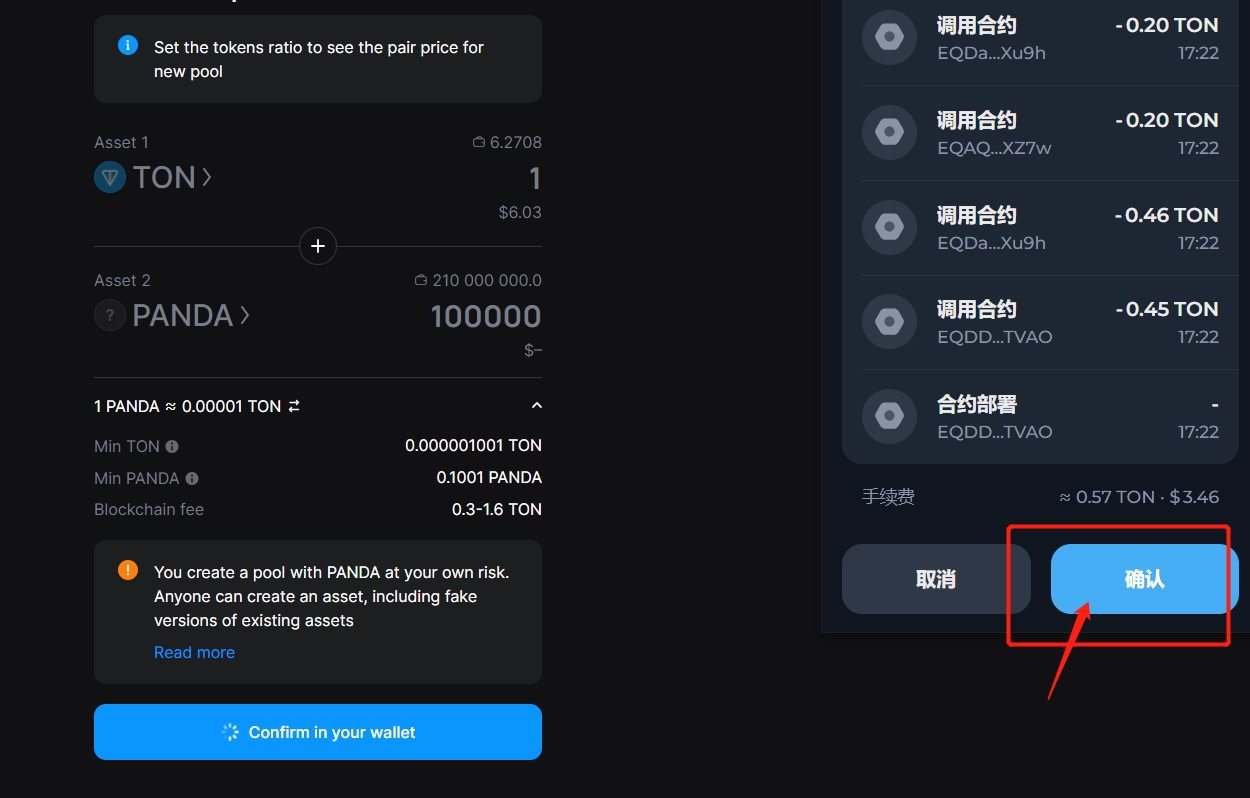
- Double-Check Token Addresses and Symbols: Before confirming your swap, verify you’ve selected the correct token addresses and symbols. This helps prevent accidental swaps for scam tokens or incorrect assets.
- Review Slippage Tolerance Settings: Check and adjust your slippage tolerance in the swap interface. Lower slippage reduces the risk of unexpected price changes but may cause failed transactions in volatile markets.
- Check Exchange Rates and Price Impact: Carefully review the exchange rate and price impact shown before swapping. High price impact may indicate low liquidity or large trade size, potentially leading to less favorable rates.

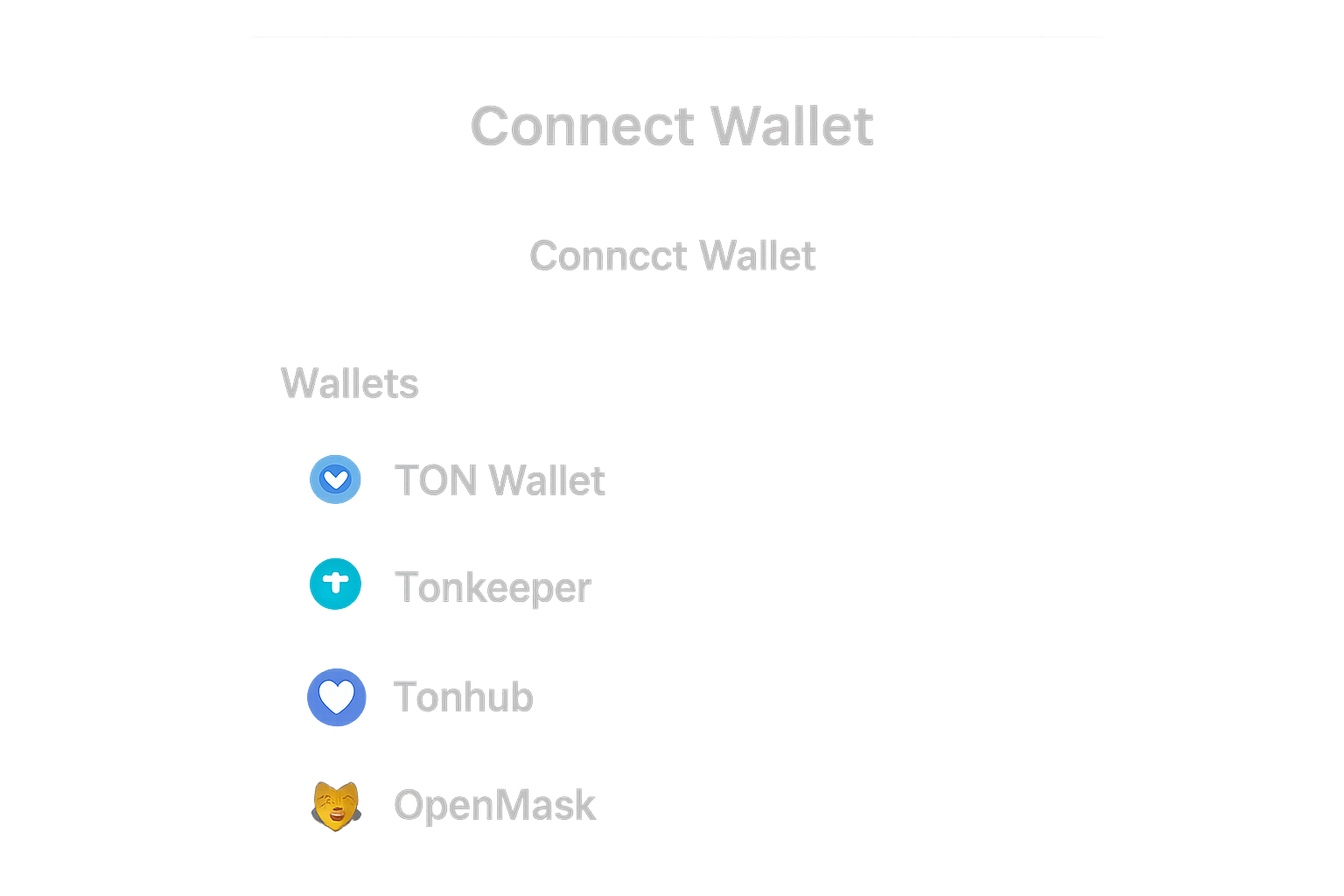
- Confirm Wallet Connection and Permissions: Ensure your TON-compatible wallet (such as Tonkeeper or TON Wallet) is properly connected and authorized to interact with STON.fi before executing swaps.
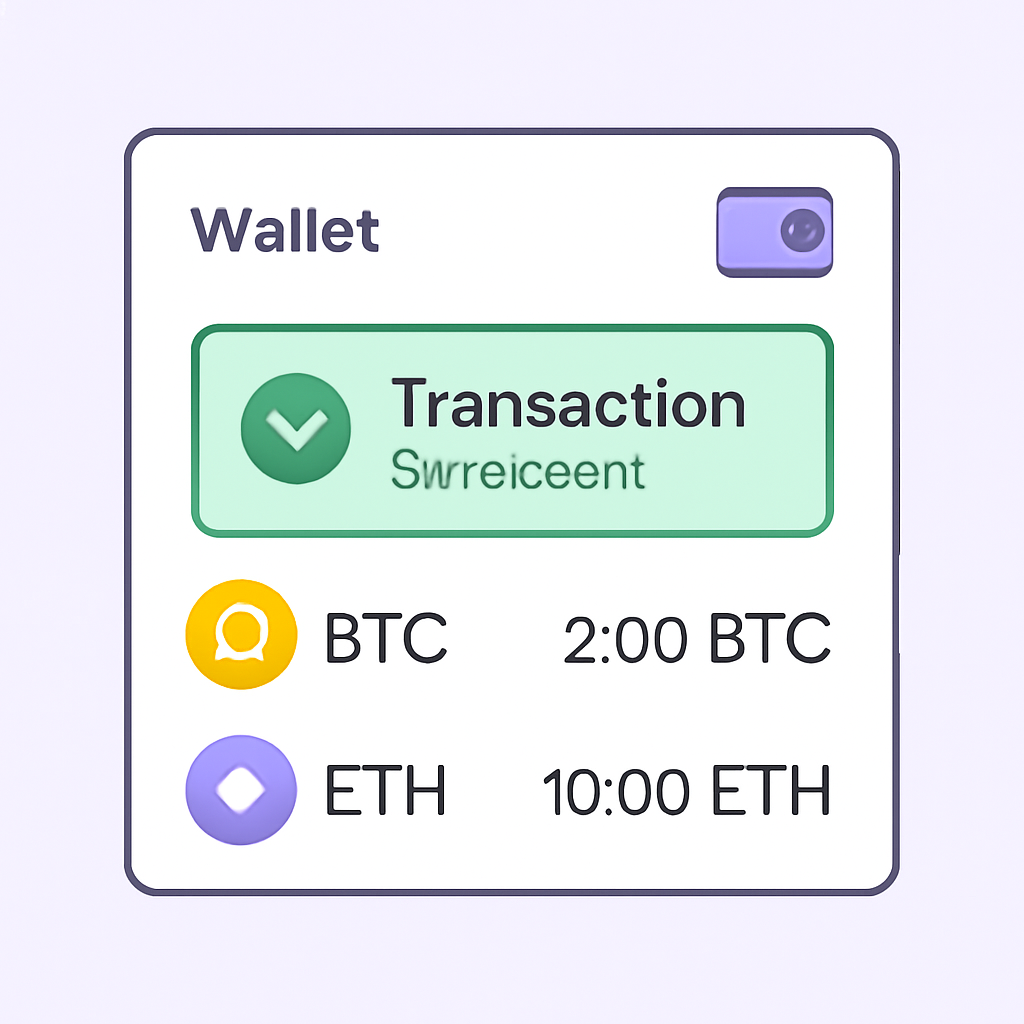
- Monitor Transaction Confirmation: After initiating the swap, wait for on-chain confirmation. Swapped tokens should appear in your wallet within seconds on the TON blockchain.

If a transaction fails or stalls, check that your wallet is connected correctly and that you have enough TON not just for swaps but also network fees. Double-check all amounts before confirming - especially if swapping less liquid tokens where price impact can be higher.
StonFi’s transparent interface is designed to keep users in control at every step. Before confirming any swap, take a moment to review the exchange rate, expected output, and network fees. This final check can prevent costly mistakes, especially when exploring new tokens or larger trades. If you’re swapping assets with lower liquidity, consider adjusting your slippage tolerance or splitting your trade into smaller increments for better execution.
Expanding Your DeFi Horizons: Beyond Simple Swaps
The utility of StonFi TON extends well beyond basic token swaps. For those looking to deepen their involvement in the Telegram blockchain DeFi ecosystem, StonFi also offers:
- Liquidity Provision: Contribute to pools and earn a share of trading fees while supporting the health of TON liquidity markets.
- Staking Opportunities: Lock up STON tokens to participate in protocol governance and receive additional rewards.
- Integration with TON Wallets Inside Telegram: US-based users can now swap tokens directly from their Telegram app, underscoring just how seamless DeFi is becoming within messaging platforms.
This multi-layered approach positions StonFi as a foundational layer for both casual users and power DeFi participants, helping drive adoption across the entire TON chain.
Security and Transparency: What Sets StonFi Apart
Security is paramount in decentralized finance. StonFi’s smart contracts have undergone rigorous audits, and all transactions are recorded immutably on the TON blockchain. Users retain custody of their assets at all times, there are no centralized intermediaries or withdrawal restrictions.
If you’re new to DeFi or coming from more traditional exchanges, this model may feel different but offers significant advantages: full transparency, reduced counterparty risk, and instant settlement. Always ensure you’re using the official STON.fi application, and never share your wallet seed phrase with anyone.
Staying Ahead: The Future of Token Swaps on TON
The pace of innovation within the Telegram blockchain ecosystem is accelerating rapidly. With solutions like Omniston powering cross-DEX swaps and ongoing improvements in user experience, it’s clear that platforms like StonFi will remain central to how value moves across TON.
For investors and builders alike, mastering StonFi isn’t just about accessing fast swaps, it’s about participating in a new wave of open finance where messaging apps become gateways to global liquidity. As more projects launch on TON and community-driven assets emerge, keeping up-to-date with best practices will be key to navigating this dynamic landscape safely.
Whether you’re making your first trade or optimizing complex strategies across multiple pools, StonFi provides the tools needed for efficient participation in Telegram blockchain DeFi. Take advantage of its low fees, robust security features, and deep integration with the wider TON ecosystem, and watch as decentralized finance becomes more accessible than ever before.




No comments yet. Be the first to share your thoughts!