

For small businesses seeking a frictionless, modern way to accept crypto payments, integrating Toncoin payments via Telegram bots is quickly moving from a niche option to a mainstream growth tactic. With Telegram’s exclusive partnership with the TON blockchain, Toncoin has become the default crypto for in-app transactions, unlocking new efficiencies and opportunities for merchants worldwide.

Why Toncoin and Telegram Are a Game-Changer for Small Businesses
Telegram’s global user base, now well above 700 million, offers an unprecedented audience for small businesses. By integrating Toncoin payments directly into Telegram bots, merchants can provide customers with a seamless checkout experience, all within an app they already use daily. This eliminates payment friction, reduces abandonment, and positions businesses at the forefront of crypto adoption.
The TON blockchain’s low fees and high throughput make it ideal for microtransactions and high-volume sales, while Telegram’s native support for Toncoin ensures both technical reliability and regulatory clarity. In 2025, Telegram doubled down on this synergy, making Toncoin the sole cryptocurrency for its Mini App ecosystem, an official stamp of approval that has accelerated Toncoin adoption worldwide.
"By accepting Toncoin through Telegram bots, small businesses can tap into a tech-savvy customer base, cut transaction costs, and future-proof their operations. "
Step-by-Step: Setting Up Toncoin Payments in Your Telegram Bot
Getting started may sound daunting, but recent developments have made it remarkably accessible, even for non-developers. Here’s how small businesses can take their first steps:
Integrate Toncoin Payments into Your Telegram Bot: A Step-by-Step Guide
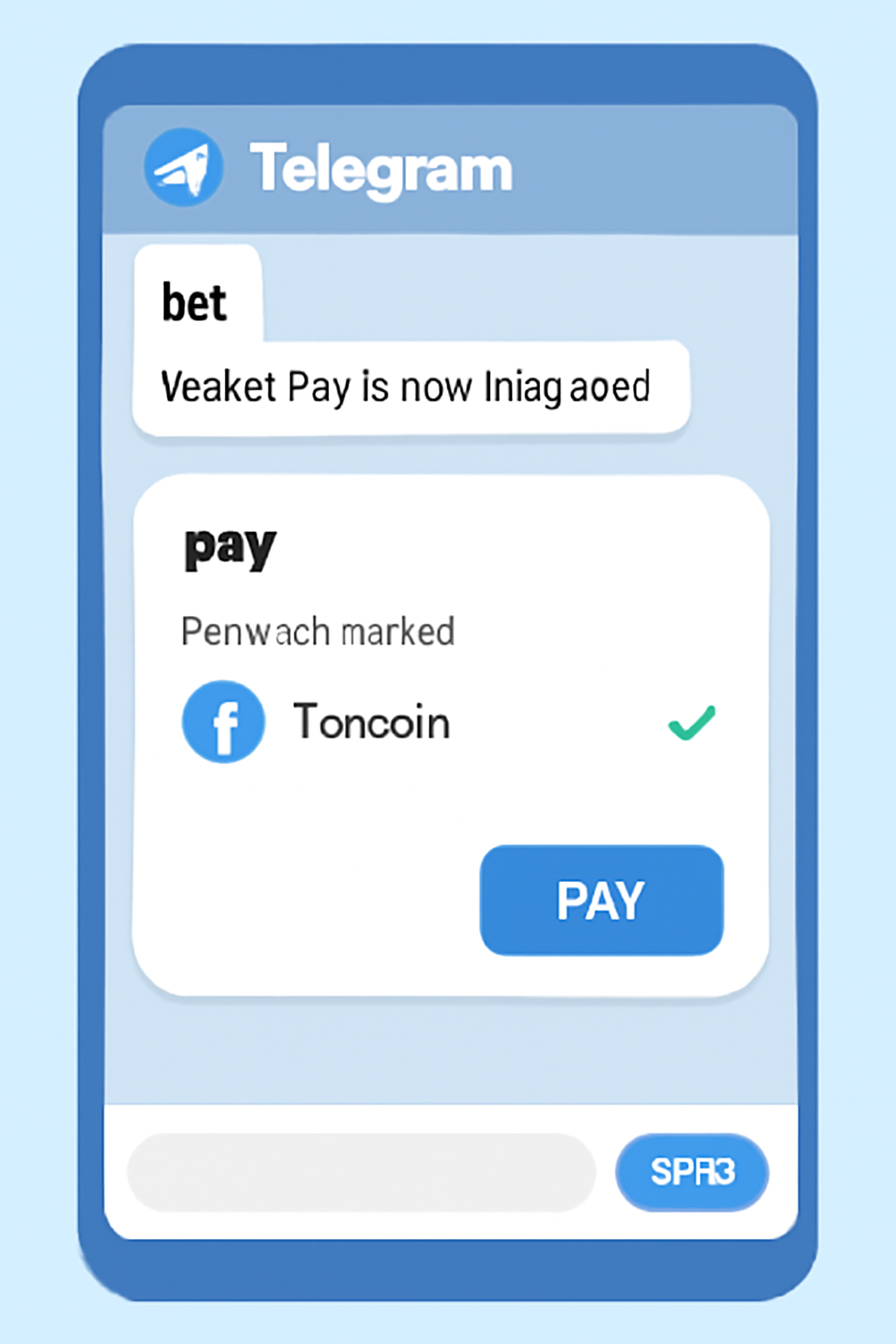
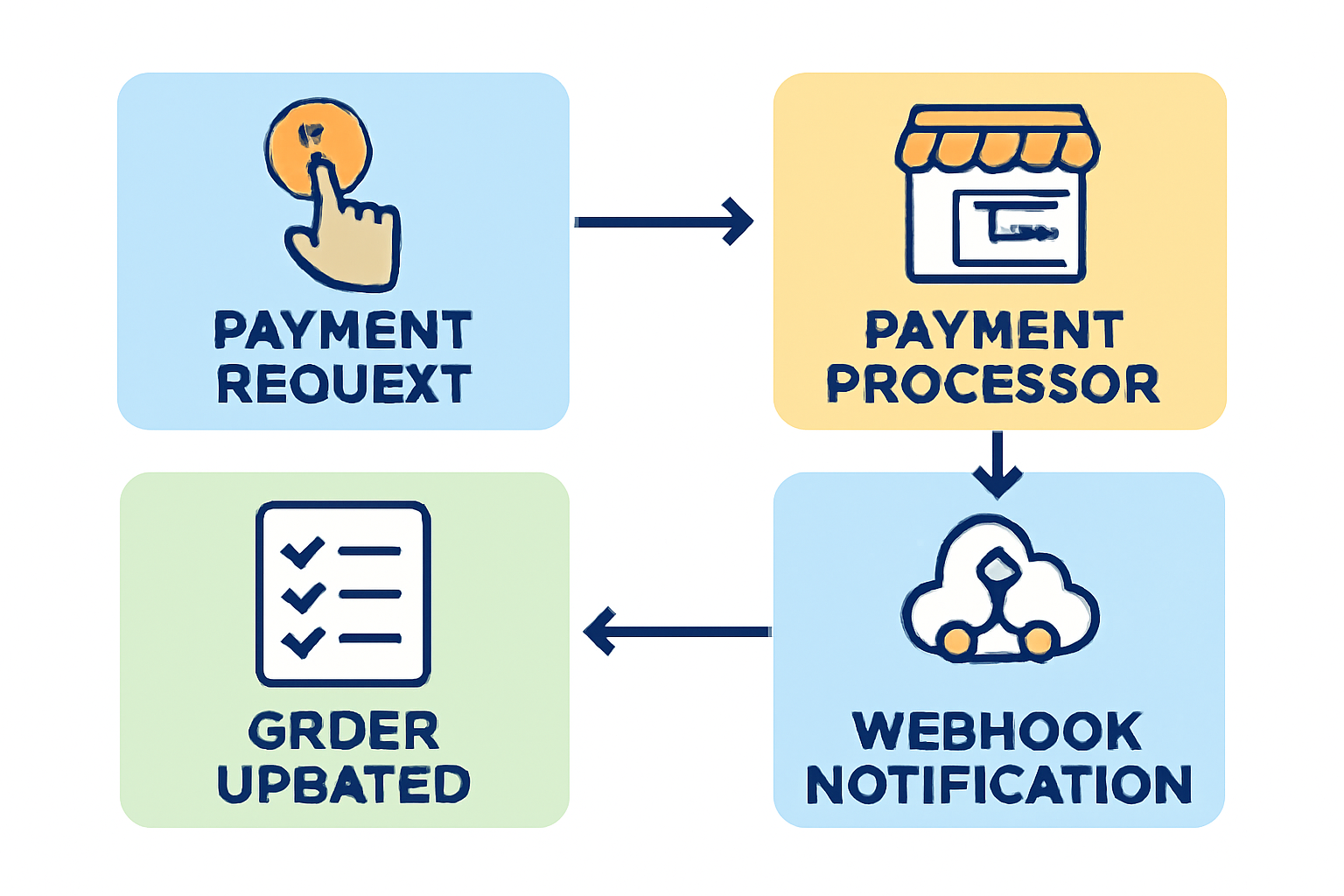
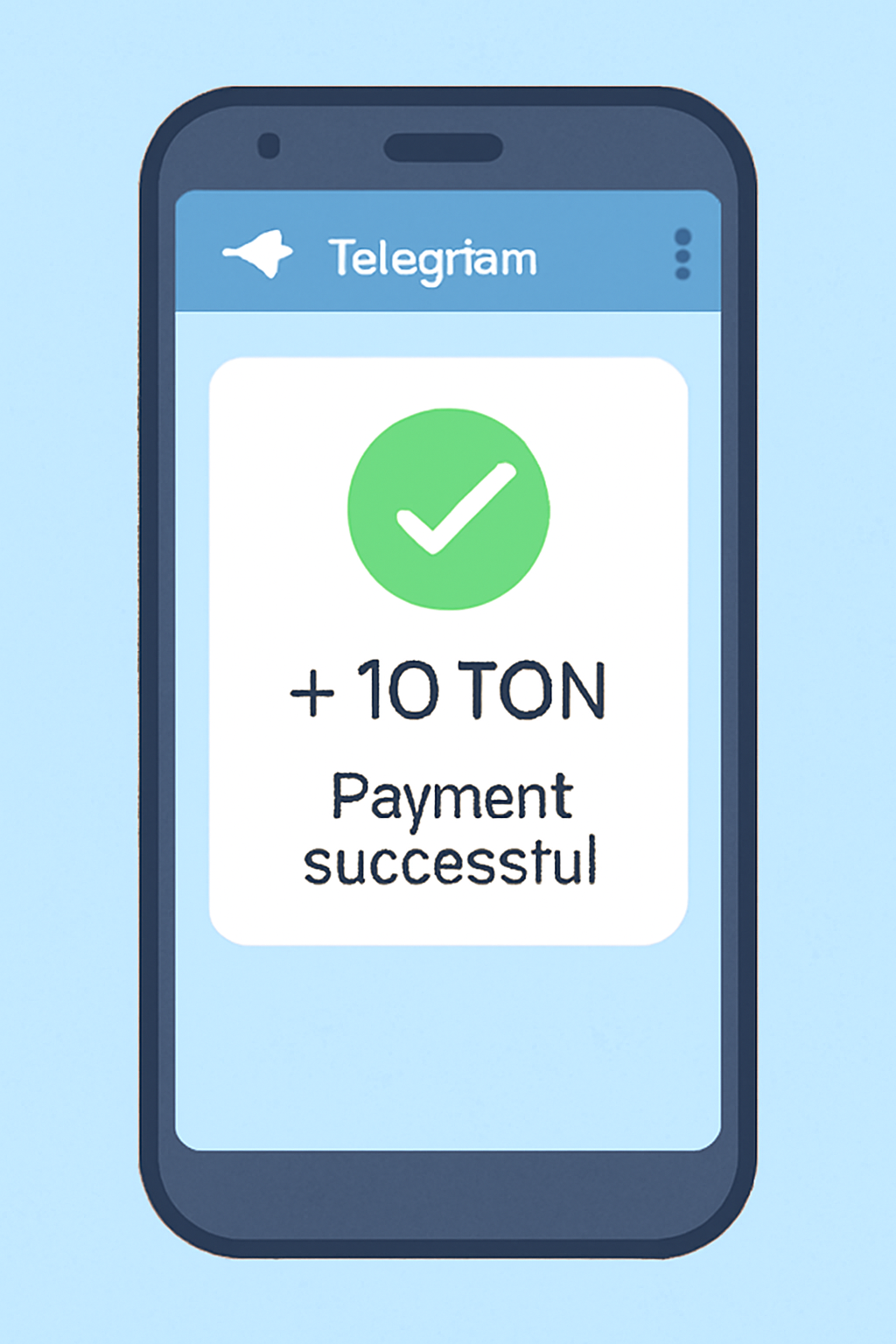

- Create Your Telegram Bot: Use BotFather to register a new bot. This will be your storefront’s interface inside Telegram.
- Enable Wallet Pay: Integrate Wallet Pay, the official payment system built by the @wallet team, to unlock Toncoin transactions right inside your bot. Wallet Pay offers a streamlined API and user-friendly setup.
- Configure Payment Logic: Implement the necessary payment flows, such as order confirmation, payment requests, and webhook notifications, to automate order processing.
- Test Thoroughly: Before going live, run multiple scenarios to ensure payments process correctly, confirmations are sent, and refunds (if needed) work as intended.
If you’re looking for a developer-focused breakdown or want to see code samples, check out our comprehensive step-by-step guide for developers.
The Benefits: What Sets Toncoin Payments Apart?
Integrating Toncoin payments through Telegram bots isn’t just about accepting crypto, it’s about reimagining the payment experience for both you and your customers. Here are some standout advantages:
- Frictionless Checkout: Customers never leave Telegram. Payments are made in seconds with just a few taps.
- Lower Fees: TON blockchain’s efficiency means minimal transaction costs compared to card processors or legacy crypto networks.
- Enhanced Security: Blockchain-based payments reduce fraud risk and offer transparent, immutable records for every transaction.
- Global Reach: Tap into Telegram’s massive audience, including regions underserved by traditional banking infrastructure.
For more tactical insights on building your own Toncoin payment solution, or to see real-world case studies, explore our in-depth guide for small businesses.
Practical Implementation: Sample Code for Toncoin Payment Integration
For those ready to roll up their sleeves, integrating Toncoin payments into your Telegram bot involves a few essential code steps. Below is a simplified Python snippet using the Telegram Bot API and Wallet Pay. This example demonstrates how to initiate a Toncoin payment request and handle confirmation within your bot’s workflow:
Example: Initiating and Confirming Toncoin Payments in a Telegram Bot
Below is a simplified Python example showing how a Telegram bot could initiate and confirm Toncoin payments using the Wallet Pay API. In a production environment, you would replace the dummy functions with actual API calls and handle security and error checking accordingly.
import os
from telegram import Update, InlineKeyboardButton, InlineKeyboardMarkup
from telegram.ext import ApplicationBuilder, CommandHandler, CallbackQueryHandler, ContextTypes

# Dummy function to simulate Toncoin payment initiation via Wallet Pay API
def initiate_toncoin_payment(user_id, amount_ton):
    # In a real implementation, you'd use Wallet Pay's API here
    # Return a payment URL or payment ID
    return f"https://walletpay.ton/payment?user={user_id}&amount={amount_ton}"

def check_payment_status(payment_id):
    # In a real implementation, you'd check payment status via Wallet Pay API
    # Here, we'll just simulate a successful payment
    return True

async def start(update: Update, context: ContextTypes.DEFAULT_TYPE):
    await update.message.reply_text(
        "Welcome! Use /pay to initiate a Toncoin payment."
    )

async def pay(update: Update, context: ContextTypes.DEFAULT_TYPE):
    user_id = update.effective_user.id
    amount_ton = 1.0  # Example amount
    payment_url = initiate_toncoin_payment(user_id, amount_ton)
    keyboard = [[InlineKeyboardButton("Pay with Toncoin", url=payment_url)]]
    reply_markup = InlineKeyboardMarkup(keyboard)
    await update.message.reply_text(
        f"To complete your payment of {amount_ton} TON, click the button below:",
        reply_markup=reply_markup
    )
    # Store payment_id in context for confirmation (skipped for brevity)

async def confirm(update: Update, context: ContextTypes.DEFAULT_TYPE):
    # In a real bot, you'd get the payment_id from user data or callback
    payment_id = "dummy_payment_id"
    if check_payment_status(payment_id):
        await update.message.reply_text("Payment confirmed! Thank you.")
    else:
        await update.message.reply_text("Payment not found or not confirmed yet.")

if __name__ == '__main__':
    TOKEN = os.getenv("TELEGRAM_BOT_TOKEN")
    app = ApplicationBuilder().token(TOKEN).build()
    app.add_handler(CommandHandler("start", start))
    app.add_handler(CommandHandler("pay", pay))
    app.add_handler(CommandHandler("confirm", confirm))
    print("Bot running...")
    app.run_polling()
This example demonstrates the basic flow: a user requests to pay, receives a payment link, and then confirms the payment. For real-world usage, refer to the official Wallet Pay and Telegram Bot API documentation for secure and robust integration.
With this foundation, you can further customize payment flows to fit your business logic, think order tracking, digital delivery, or even loyalty rewards powered by Toncoin.
Security and Compliance: Best Practices for Small Businesses
Security is non-negotiable when handling digital assets. Here are some best practices to ensure your customers’ funds, and your reputation, remain protected:
- Use Official APIs: Always rely on official Telegram and Wallet Pay APIs. Avoid third-party shortcuts that may introduce vulnerabilities.
- Secure Your Bot Token: Treat your bot token like a password. Never share it or hard-code it in public repositories.
- Enable Two-Factor Authentication: For both your Telegram account and any connected wallets.
- Monitor Transactions: Set up alerts for large or unusual payments, and regularly audit transaction logs.
- Stay Updated: Keep up with the latest TON blockchain updates and Telegram security advisories.
Frequently Asked Questions About Toncoin Payments on Telegram
If you’re new to crypto payments, don’t worry, Telegram’s ecosystem is designed to be intuitive. Most integrations require minimal coding, and there’s a growing community of developers and business owners happy to share advice. For a full technical walkthrough, visit our step-by-step integration guide for small businesses.
The Road Ahead: Toncoin Adoption and Your Competitive Edge
The rapid rise of Toncoin adoption in the Telegram ecosystem is not just a passing trend, it’s a glimpse into the future of digital commerce. As more small businesses embrace crypto-native payment solutions, early adopters will be best positioned to attract global customers, streamline operations, and stand out in competitive markets.
By making Toncoin payments accessible via Telegram bots, you’re not only meeting customer demand but also signaling that your business is future-ready. The combination of low fees, instant settlement, and broad user reach is hard to match with traditional payment rails.
If you’re ready to take the next step, explore our detailed resources or connect with fellow entrepreneurs already thriving with Toncoin on Telegram. The tools are here, the opportunity is yours to seize.




No comments yet. Be the first to share your thoughts!