
Looking to put your Toncoin to work and earn passive rewards? If you’re a Tangem Wallet user, the landscape has shifted: as of September 2025, native staking for Toncoin (TON) is not directly available inside the Tangem app. This may come as a surprise if you’ve seen recent social buzz or older guides. But don’t worry - earning staking rewards with your TON is still possible thanks to WalletConnect and the growing ecosystem of decentralized apps (dApps) on The Open Network.
Let’s break down what’s really happening with Toncoin staking in Tangem Wallet, how you can leverage dApps like Tonstakers for maximum flexibility, and why this approach might actually give you more control over your assets.
TON Staking in Tangem: What’s Actually Supported?
Despite what some posts on X or Instagram might suggest, Tangem’s official support docs confirm that native staking inside the app is currently limited to coins like ATOM, BNB, POL (Ethereum), SOL, and TRX. While plans are in motion to add more networks (think Polkadot, Cardano, Avalanche, Near), Toncoin holders need to use an external dApp via WalletConnect for staking.
This isn’t just a workaround - it opens up new opportunities. By connecting your Tangem Wallet through WalletConnect, you can tap into powerful DeFi protocols on TON that offer not just basic staking but also liquid options, letting you move between earning yield and using your assets in other DeFi strategies.
How to Stake Toncoin Using Tangem and WalletConnect: Step-by-Step
How to Stake Toncoin with Tangem Wallet via WalletConnect & dApps
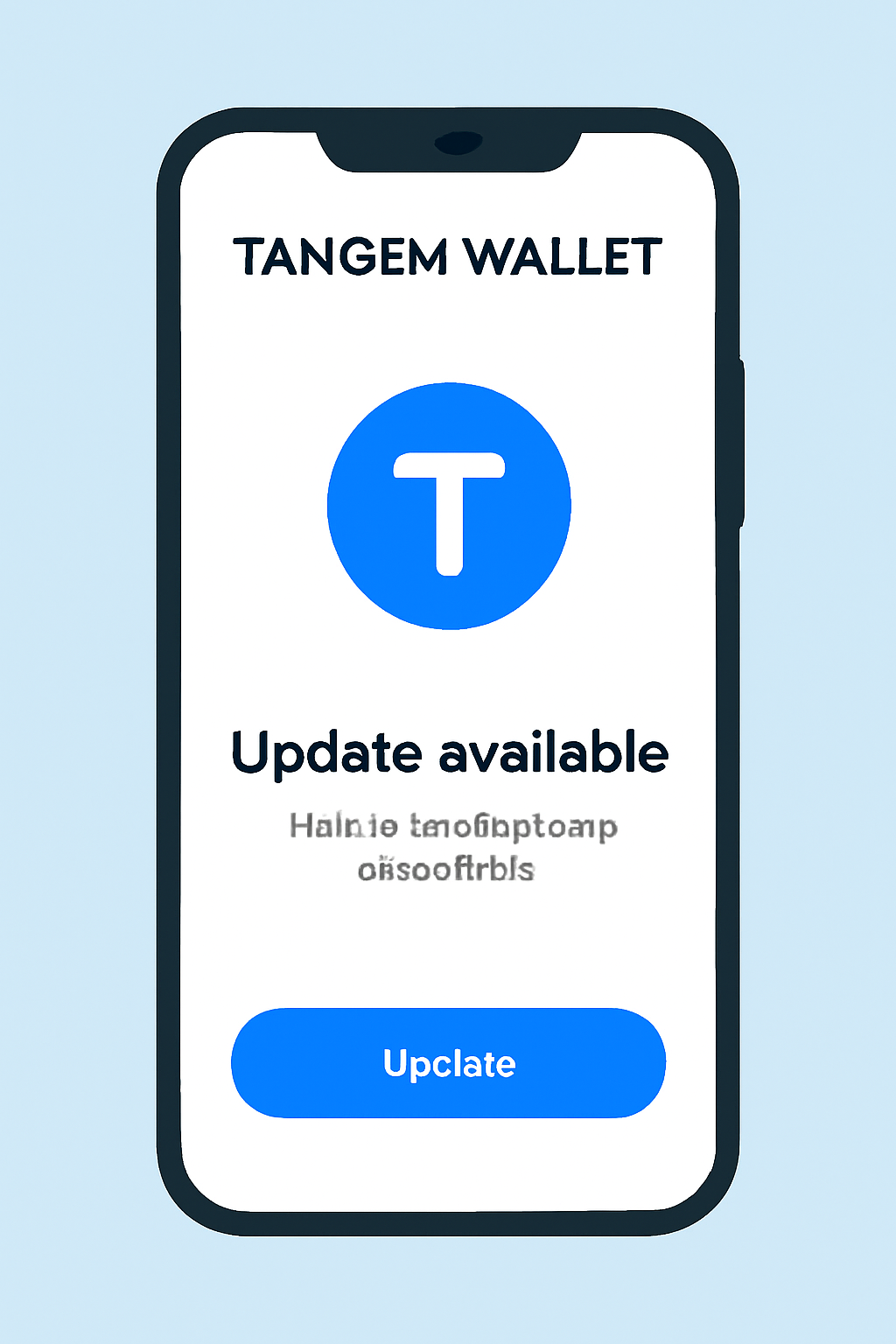
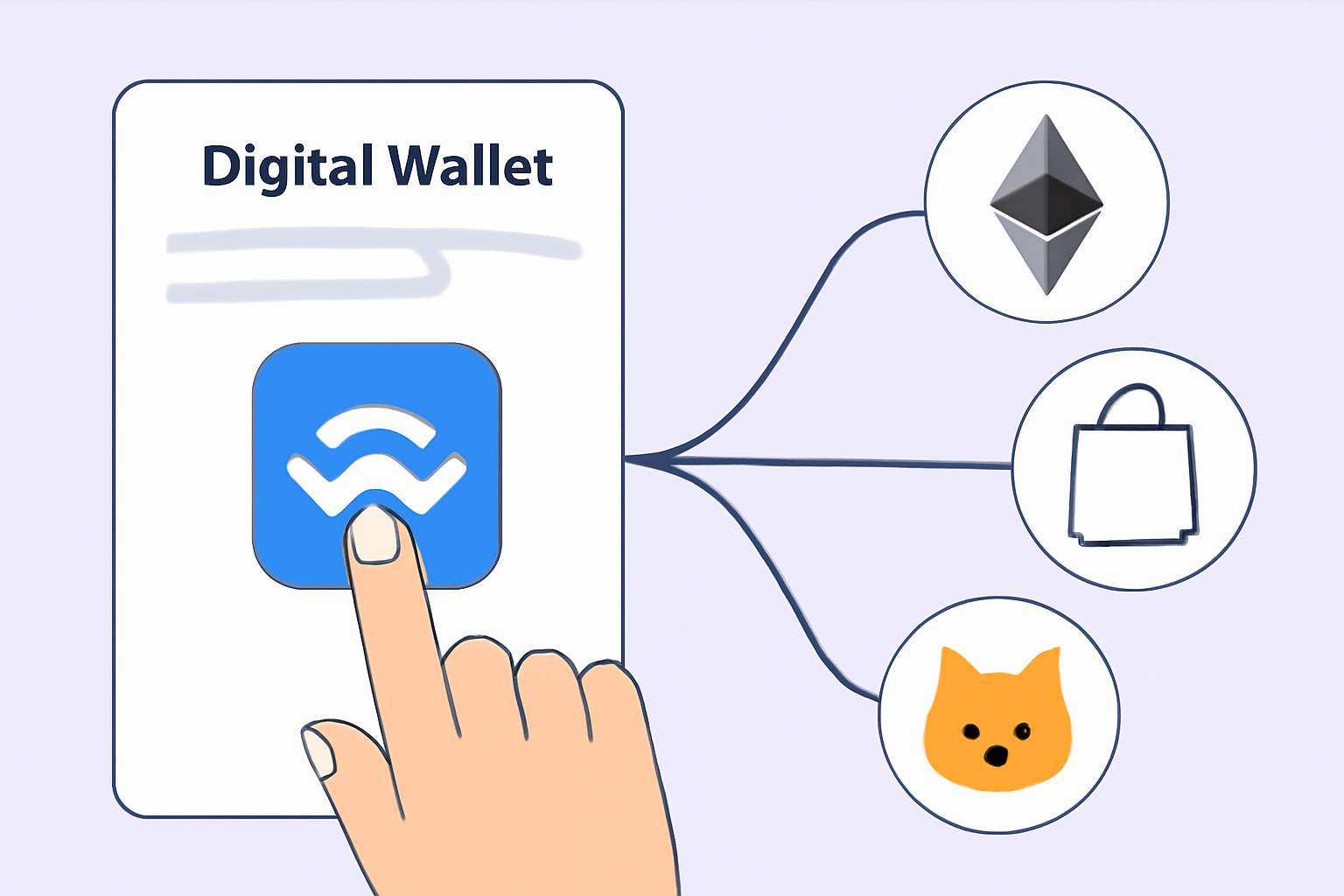
The process is straightforward once you know where to look:
- Open the Tangem App: Make sure your app is up-to-date for security and compatibility.
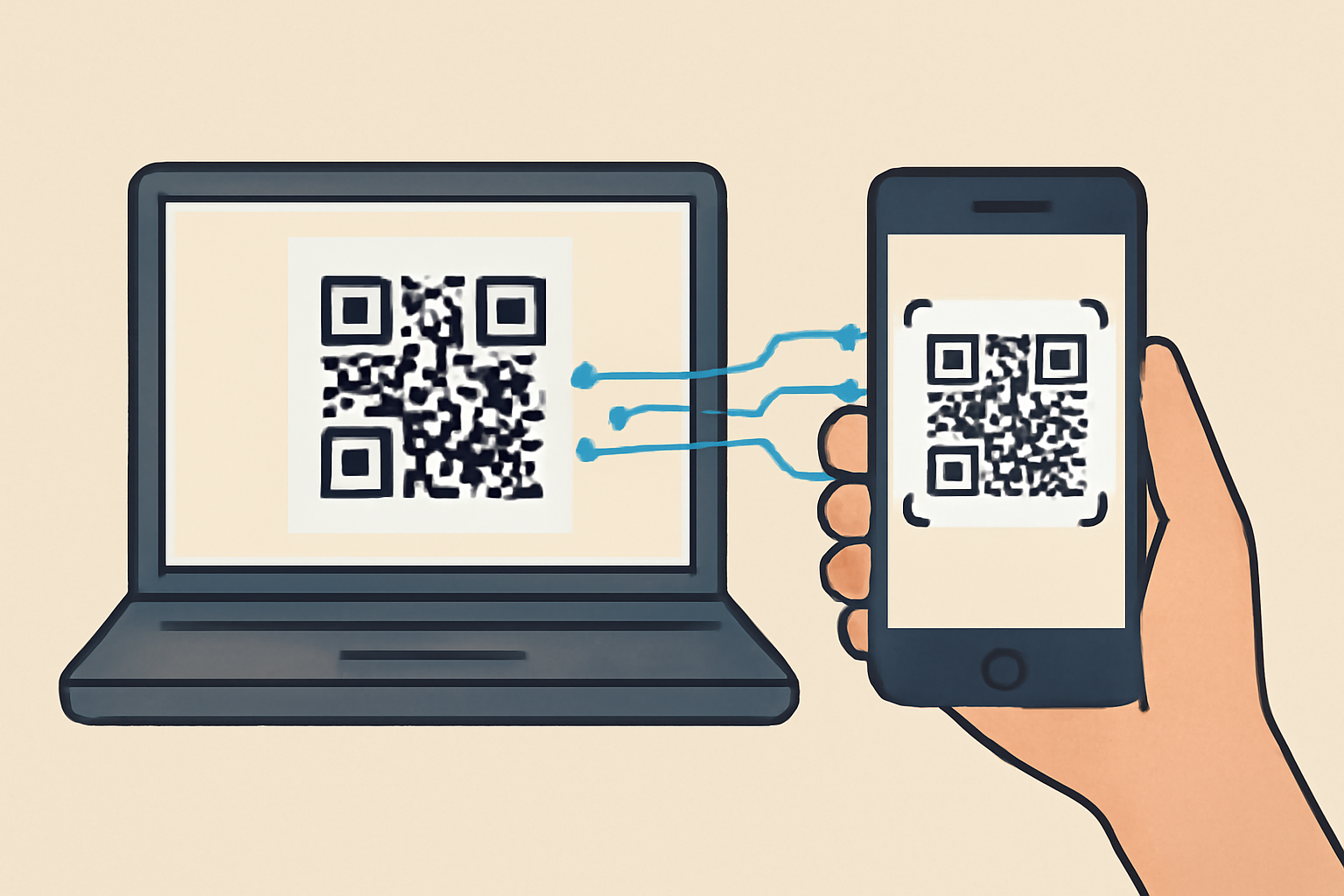
- Select WalletConnect: This feature lets you securely connect with external dApps supporting TON staking.
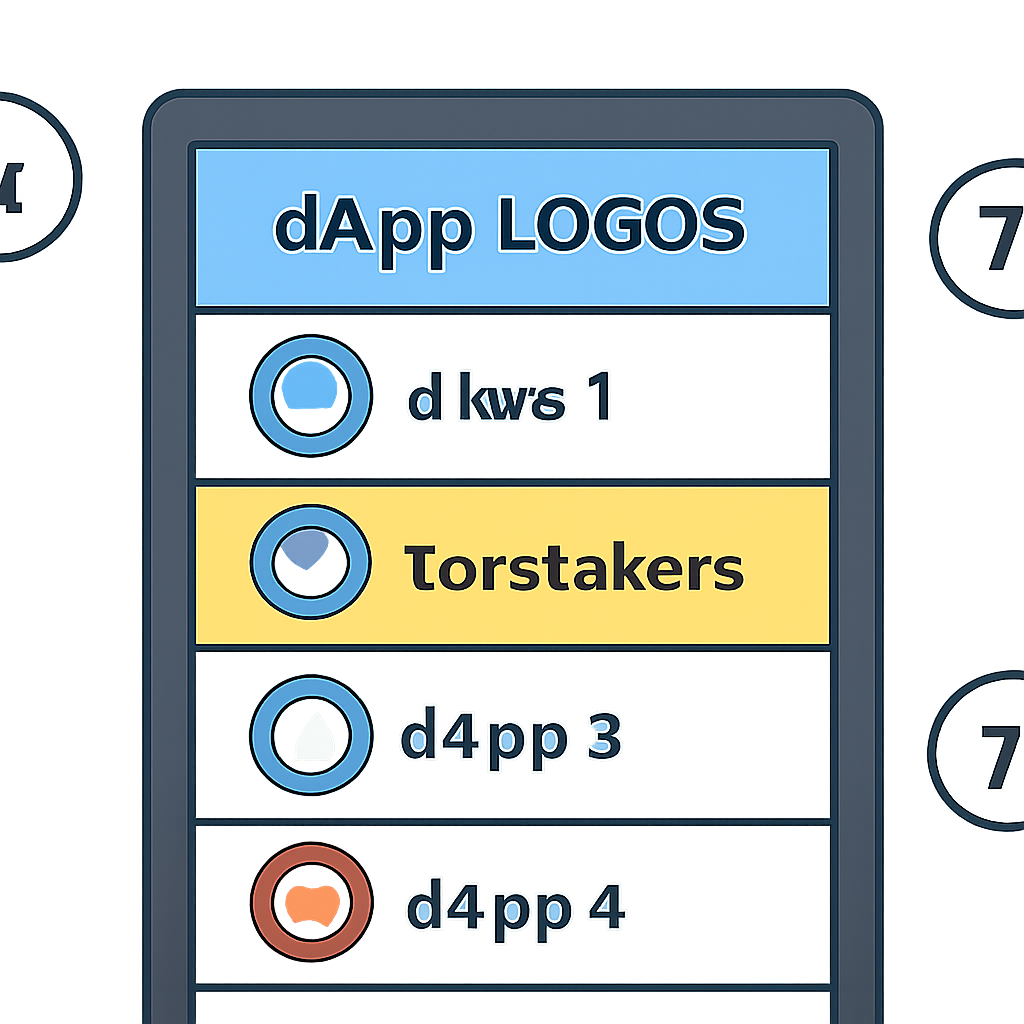
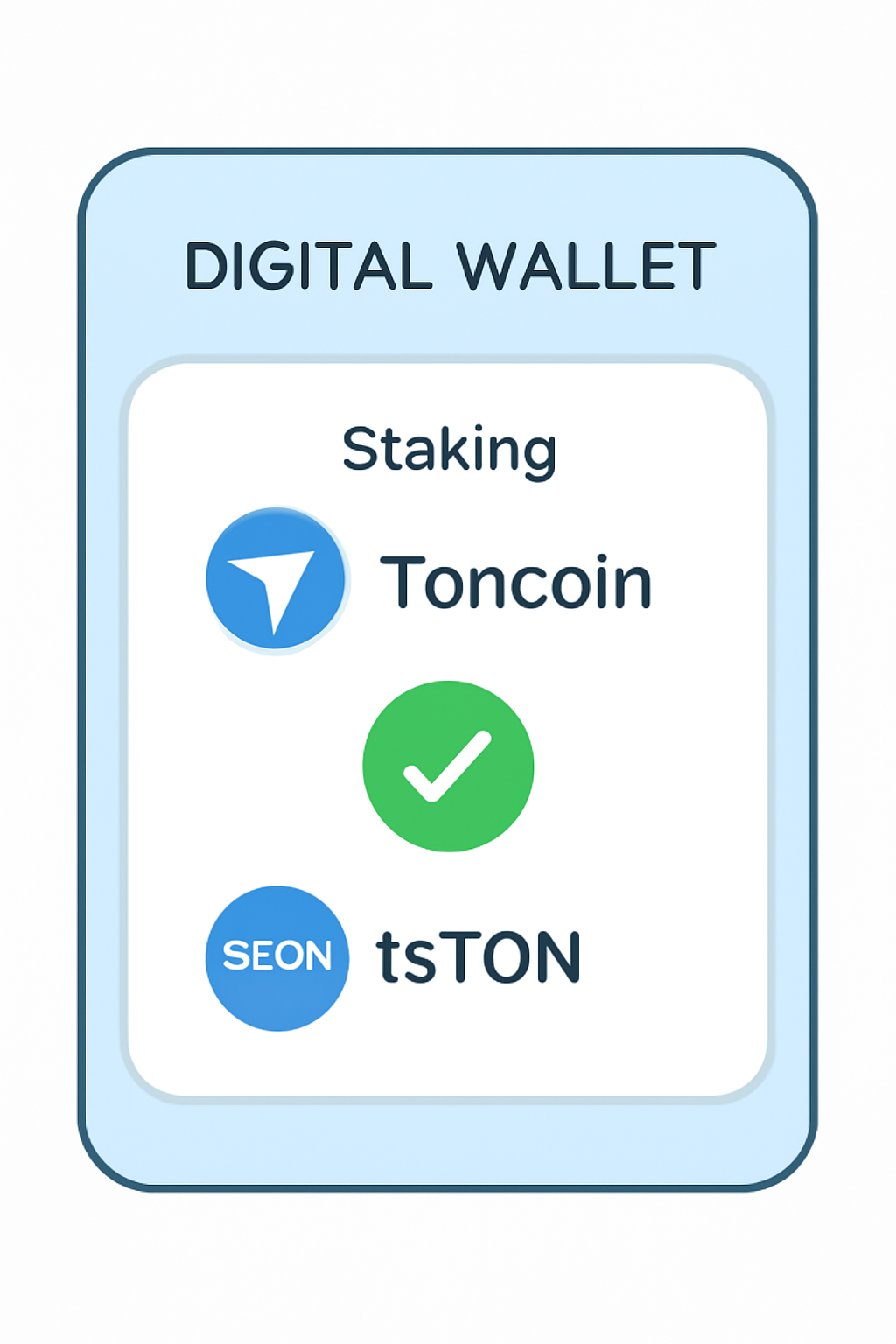
- Pick Your Staking dApp: Choose from compatible platforms - most users prefer Tonstakers, a liquid staking protocol that issues tsTON tokens in return for staked TON.
- Authorize Connection: Approve the secure connection between your wallet and the chosen dApp.
- Stake and Confirm: Follow the on-screen instructions - usually just select your amount and confirm. Done!
This method gives you access to all the latest features offered by top TON DeFi projects without waiting for native support inside Tangem itself.
Tonstakers and Liquid Staking: Why It Matters for TON Users
Key Benefits of Liquid Staking with Tonstakers
- Instant Liquidity: With Tonstakers, you receive tsTON tokens when staking your TON. These tokens can be traded or used in DeFi apps, so your funds aren’t locked up like in traditional staking.
- DeFi Integration: tsTON tokens can be utilized across various DeFi platforms on the TON network, letting you earn additional rewards or participate in lending, swaps, and more while still accruing staking yield.

- Flexible Unstaking: Liquid staking allows you to exit your position at any time by swapping tsTON for TON, rather than waiting for a lengthy unbonding period typical of traditional staking models.
- Passive Rewards: You continue to earn staking rewards automatically while holding tsTON, without needing to actively manage or restake your assets.

- Non-Custodial Security: By staking through Tonstakers via WalletConnect and Tangem Wallet, you retain control of your private keys and assets, reducing third-party risk compared to some centralized staking solutions.
Tonstakers stands out because it lets users stake their TON while receiving tsTON tokens in return. These tokens are liquid representations of your staked position - meaning you can use them across other DeFi protocols or swap them back if needed. That’s a game-changer compared to old-school staking where funds are locked up indefinitely.
If you want more details about compatible networks or future updates from Tangem, check their official knowledge base at this resource.




No comments yet. Be the first to share your thoughts!