
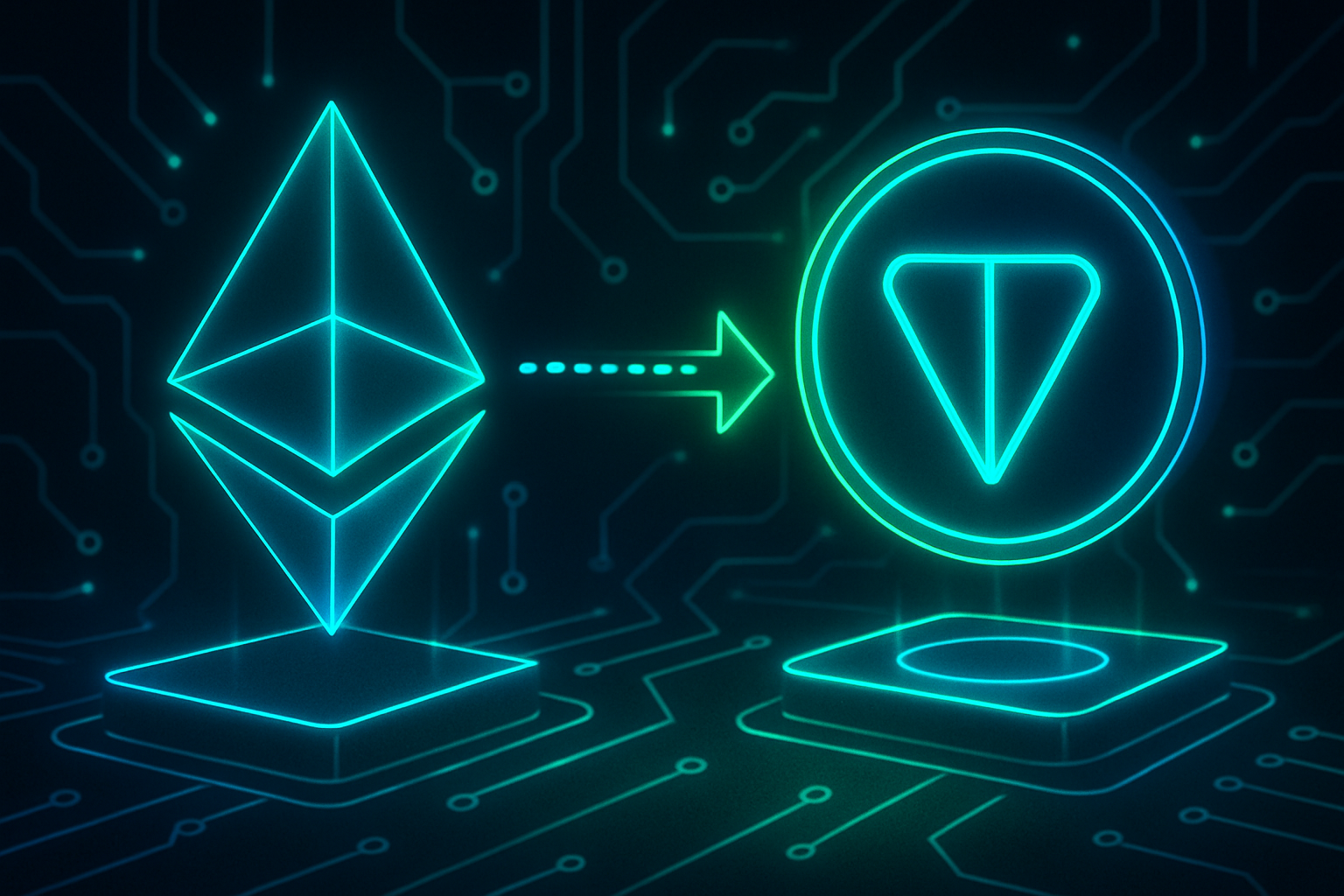
Bridging digital assets across blockchains has become an essential gateway for users seeking the speed, low fees, and Telegram-native experience offered by The Open Network (TON). As of September 2025, the landscape for moving assets like ETH or USDT from Ethereum and other major chains to TON has shifted. The legacy Toncoin Bridge is officially retired for new transactions, making way for a new generation of cross-chain solutions that are faster, more secure, and cost-effective.

Why bridge to TON? With its deep integration into Telegram’s messaging ecosystem and a rising wave of DeFi projects, NFTs, and community tools, TON is rapidly becoming a hub for both developers and crypto users. Efficiently moving assets into TON unlocks access to dApps with near-instant finality and negligible transaction costs - a compelling alternative to congested networks with high gas fees.
Next-Gen Cross-Chain Bridges: What Changed in 2025?
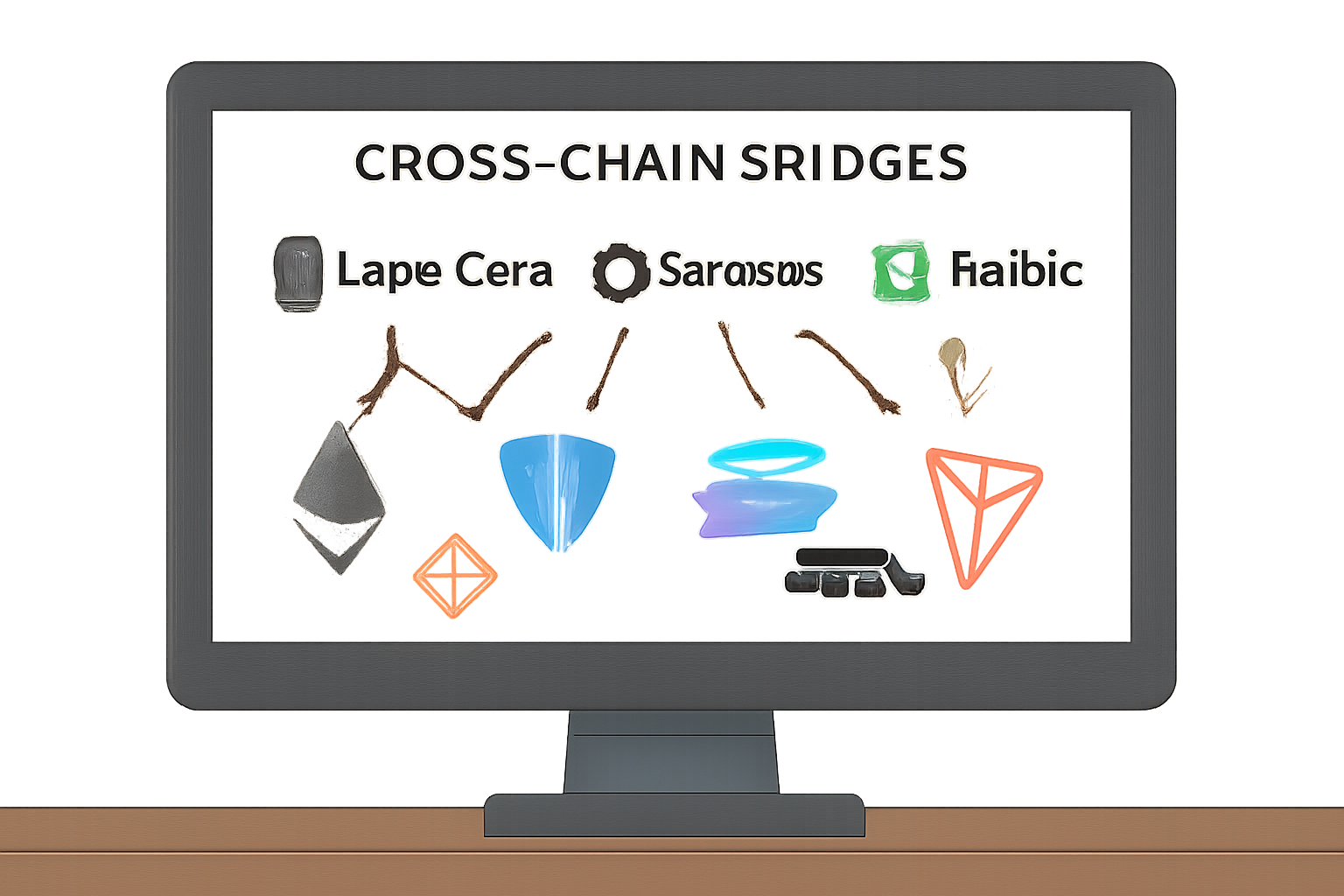
The retirement of the legacy Toncoin Bridge marked a turning point for cross-chain transfers. Today’s recommended bridges - LayerZero, Symbiosis, Rubic, and Defiway - each bring unique strengths:
Top Cross-Chain Bridges for Fast Transfers to TON
- LayerZero: A leading cross-chain protocol, LayerZero enables secure and ultra-fast transfers from over 100 blockchains—including Ethereum, Solana, and Tron—directly to TON. Its robust security and wide integration make it a top choice for moving assets with confidence.
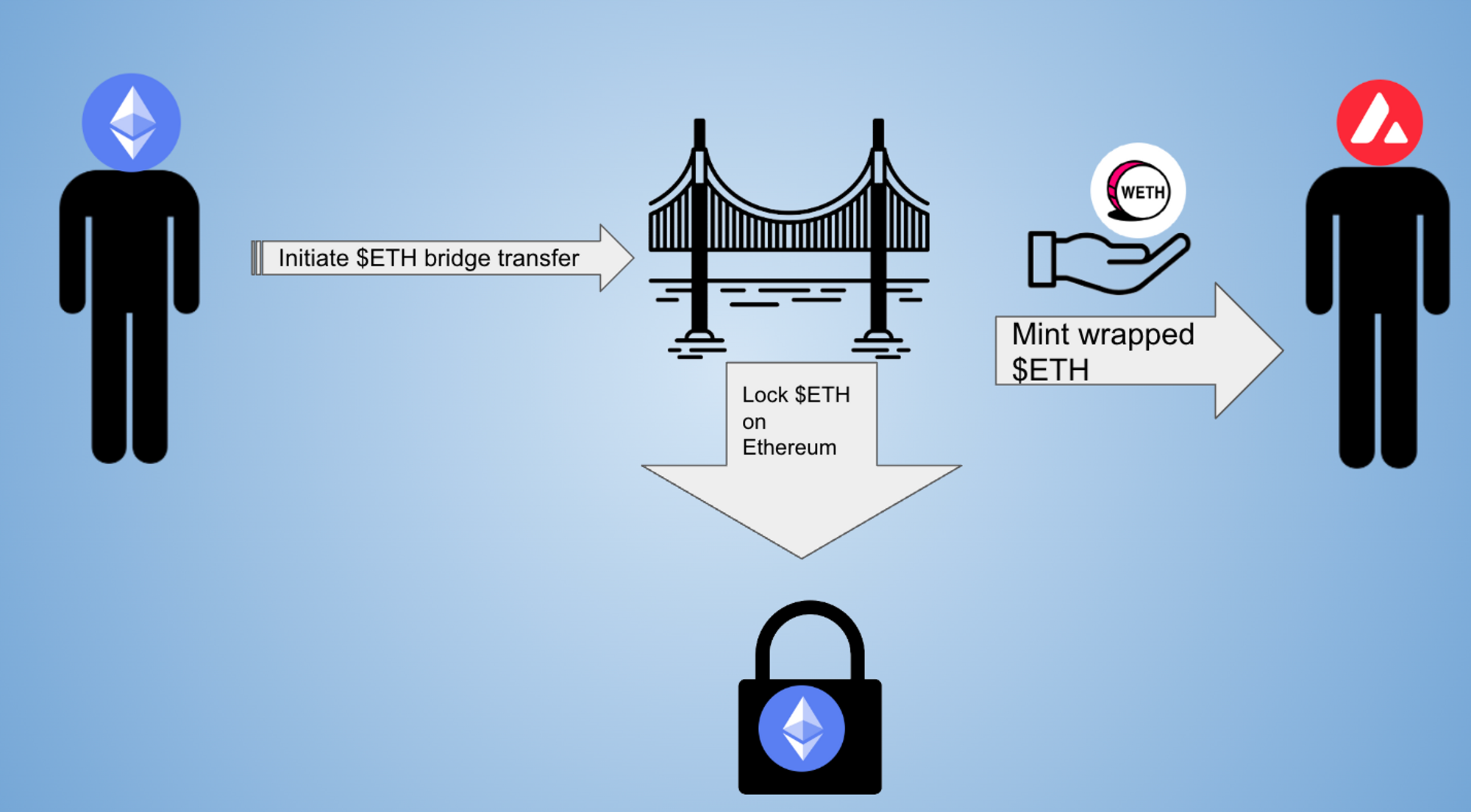
- Symbiosis: Known for its user-friendly WebApp and low-to-medium fees, Symbiosis lets you bridge assets like ETH or USDT between Ethereum, BNB Smart Chain, and TON. The process is streamlined for both new and experienced users.
- Rubic: Rubic offers connections to 86+ chains, including Ethereum, Solana, and TON, with a focus on low fees and flexibility. Its all-in-one interface makes cross-chain swaps and bridging simple and efficient.
- Defiway: With its intuitive interface, Defiway specializes in bridging popular assets like USDT between Ethereum and TON. It's designed for quick, hassle-free transfers, making it ideal for both beginners and advanced users.

LayerZero leads in security and multi-chain reach (over 100 networks), while Symbiosis, Rubic, and Defiway focus on user-friendly interfaces and consistently low fees. These platforms support seamless transfers between Ethereum, BNB Smart Chain (BSC), Solana, Tron, and TON itself.
Step-by-Step: How to Bridge from Ethereum (or Other Chains) to TON
Navigating the bridge process is straightforward if you follow these essential steps:
How to Bridge ETH or USDT to TON: A Step-by-Step Guide (2025)

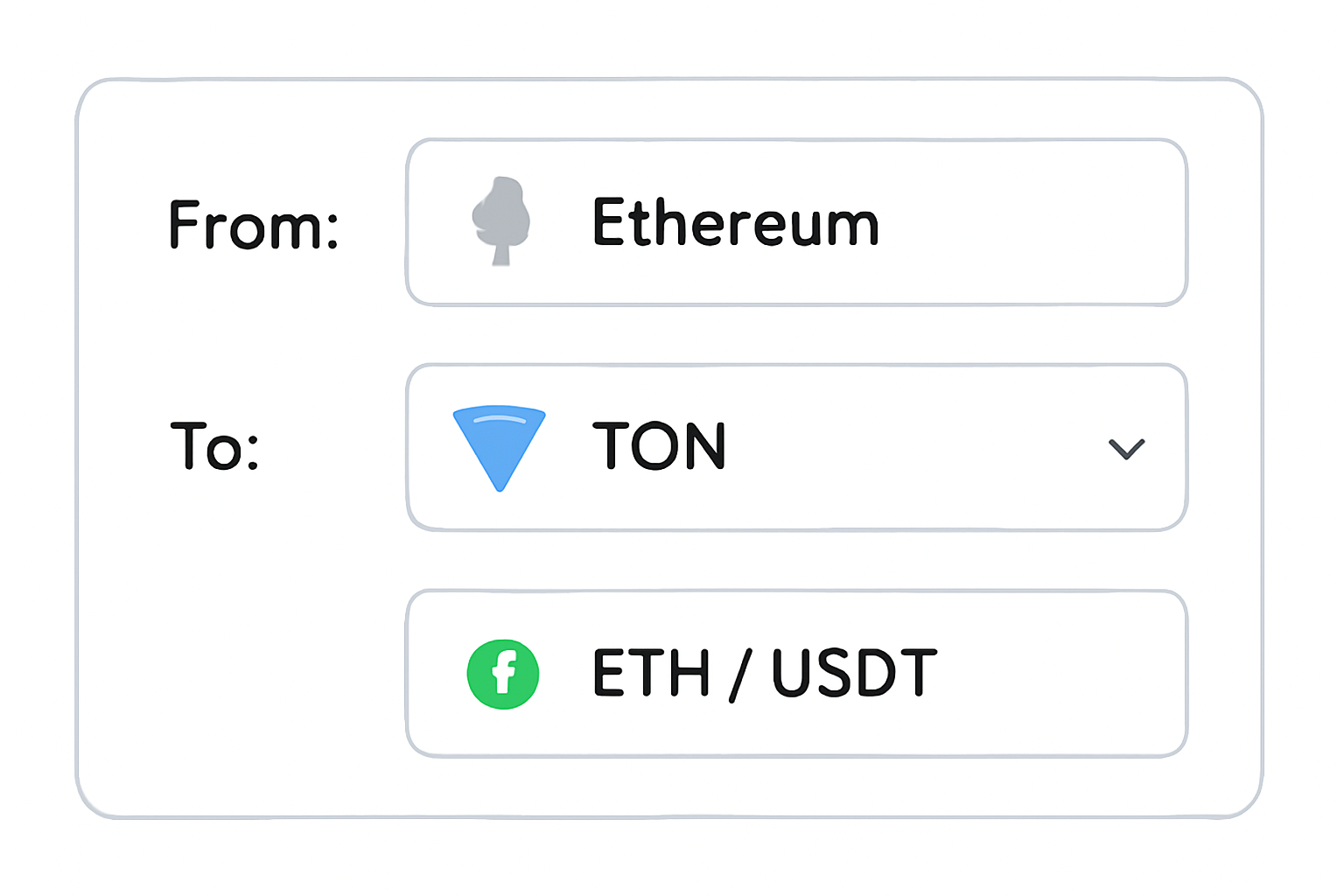
- Select your bridge service: Start by choosing one of the recommended platforms that supports both your source chain (e. g. , Ethereum) and asset type.
- Connect your wallet: Use MetaMask or another compatible wallet to link up with the chosen bridge interface.
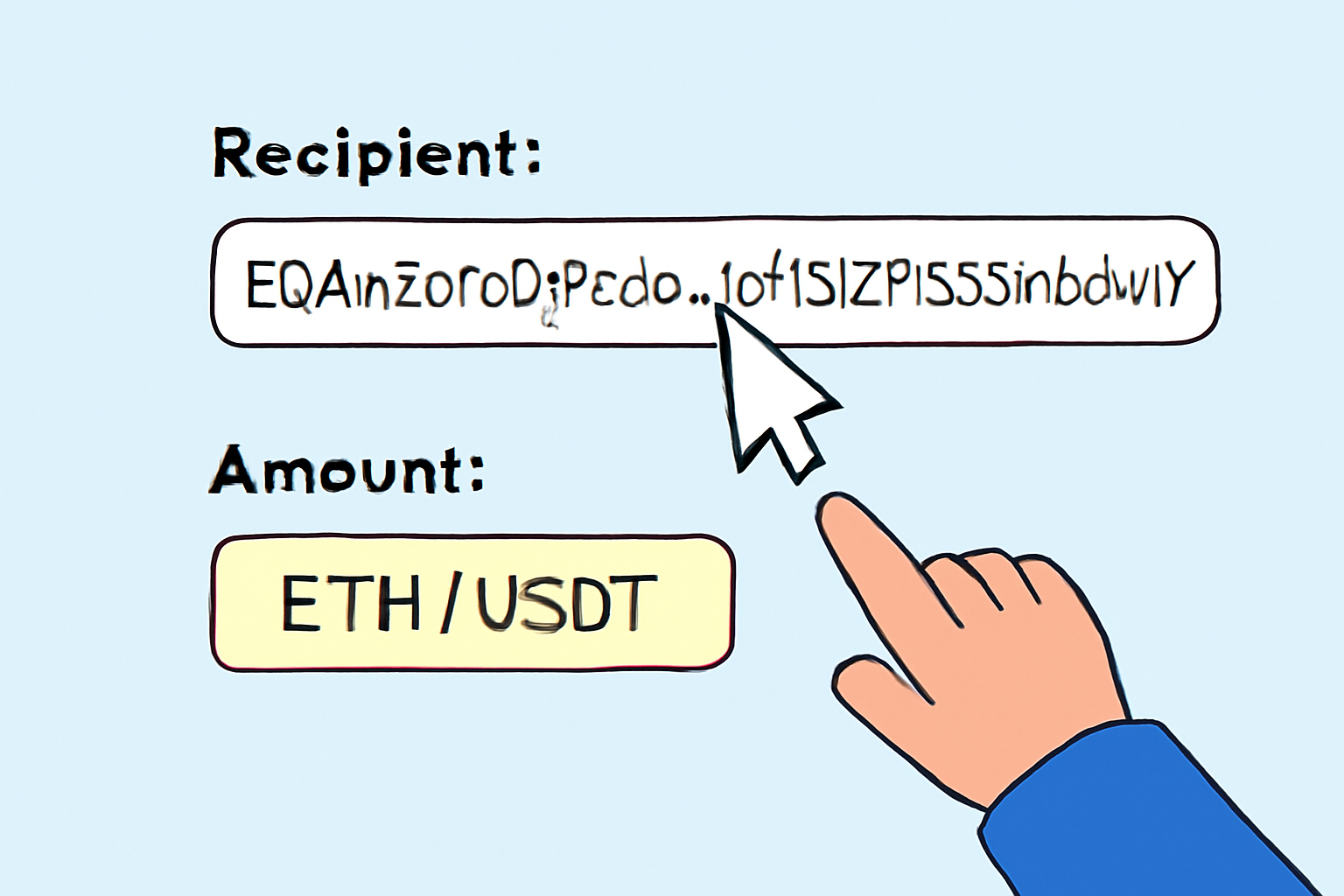
- Select asset and amount: Pick which token you want to move (such as ETH or USDT), enter how much you want to send.
- Add your TON wallet address: Double-check this step - accuracy here ensures funds arrive safely on the correct network.
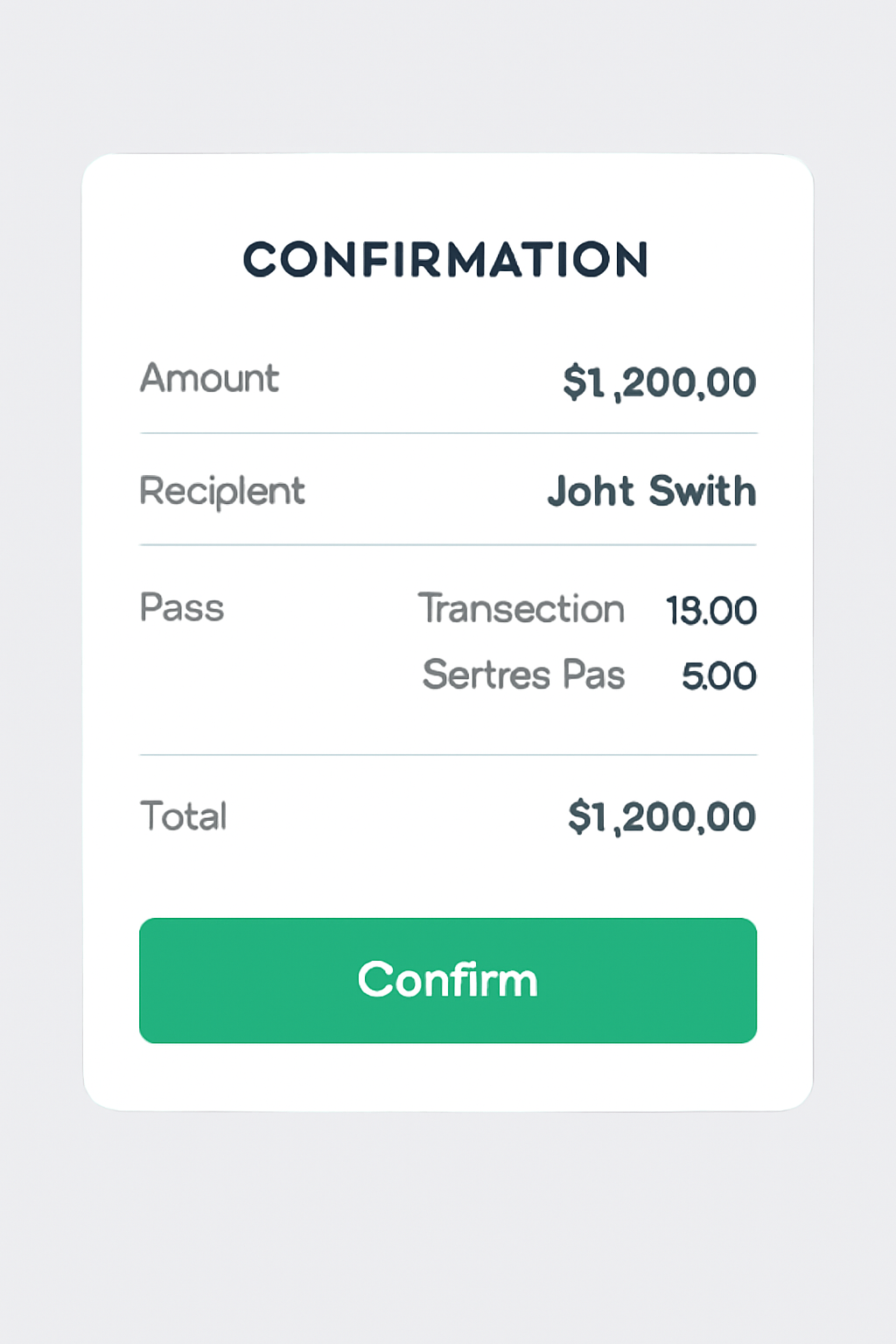
- Approve and confirm: Approve in your wallet app; then confirm through the bridge UI. Keep an eye on estimated gas fees before finalizing.
- Wait for confirmation: Most bridges provide status updates as transactions finalize on both blockchains. Completion times range from under a minute up to 20 minutes depending on congestion.
Troubleshooting Fees and Security: What Every User Should Know
The promise of low-cost transfers is real - but it pays to stay vigilant. While bridging from Ethereum can still incur higher gas costs during peak activity periods, next-gen bridges like Rubic often route through BSC or Tron as intermediate steps when possible to minimize expenses. Always review fee breakdowns before confirming any transfer.
User tip: "I saved over $40 in gas by using Symbiosis during off-peak hours compared to my last direct ETH-to-TON transfer!" This kind of feedback is increasingly common as users adopt smarter routing strategies through these new bridges.
If you’re exploring how best to maximize your capital efficiency while bridging into the rapidly growing TON ecosystem - whether for DeFi opportunities or simply leveraging Telegram’s superapp capabilities - understanding these updated workflows is key. In the next section we’ll dive deeper into wallet setup tips and highlight some common mistakes beginners make when bridging assets cross-chain.




No comments yet. Be the first to share your thoughts!